Document Capture & Search Capability

Be Document Capture Pro with Optical Character Recognition Software (OCR)!
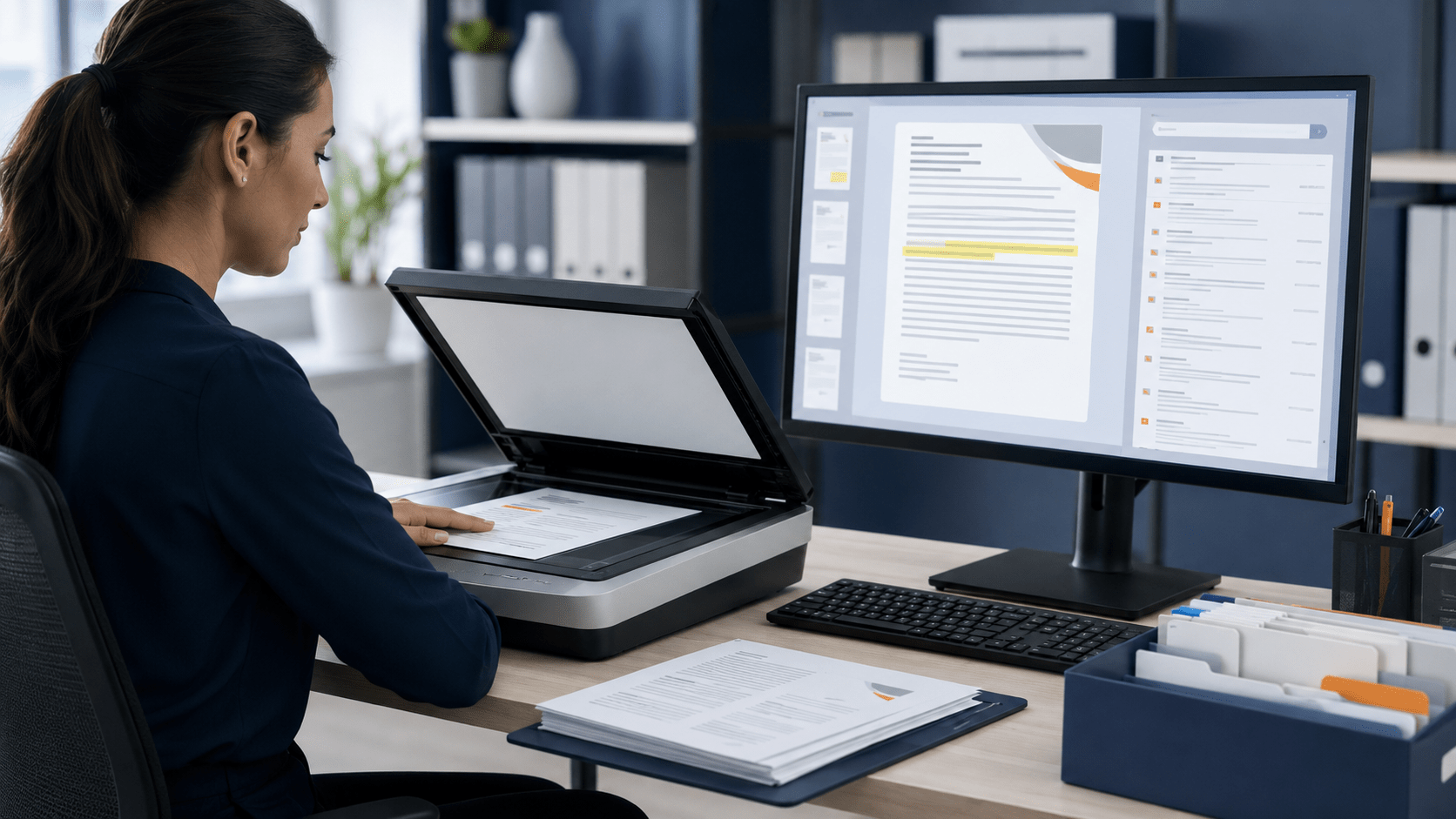
Document Capture with OCR Software! 

File Capture with Full Text Searchability!

How to Upload Documents on Docupile?

  • Click on the option to select documents for upload. You can choose multiple documents at once. 

  • Utilize the convenient drag-and-drop feature to upload PDF files directly from your computer.

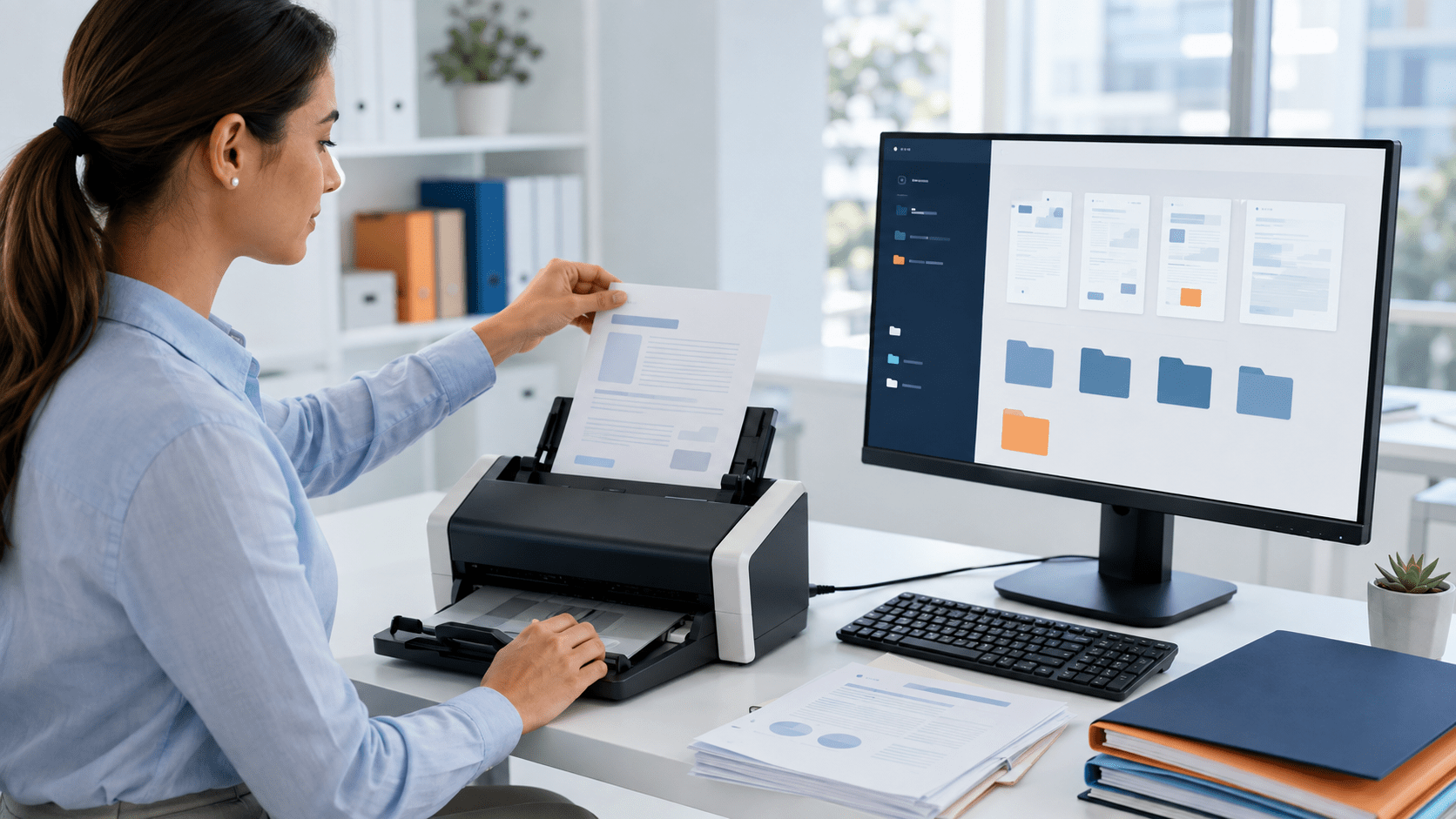
  • For physical documents that need to be uploaded, scan them using a compatible scanner and save them as PDF file. 

  • Once uploaded, the Docupile system identifies the type of document and categorizes it accordingly.  

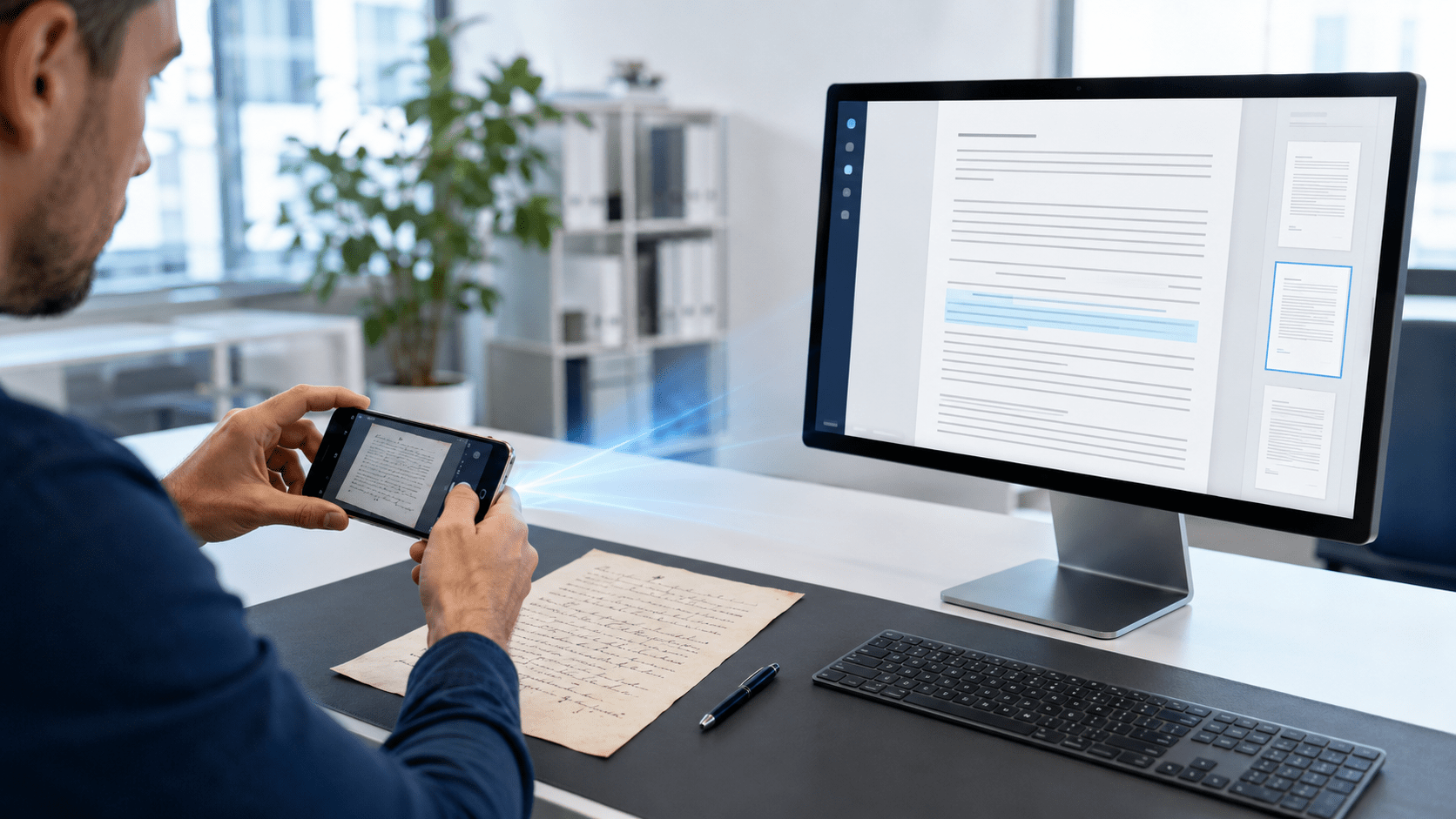
  • OCR technology converts the scanned text into machine-readable content, making the document searchable.

  • Review the details, including metadata, and confirm the upload.  

  • After confirming, the documents will be captured and uploaded into the Docupile system.

Following these steps will make sure your documents are smoothly uploaded on Docupile Document Management Software. Full Text Search, Optical Character Recognition Software and automatic document recognition, all work together to make managing your documents a breeze!

More Cool Features!

Cloud Document System

Easy file handling with Docupile DMS that securely captures documents & stores on the cloud with full compliance.

Share and capture documents using Docupile DMS without worrying about safety – it’s like sending them in a digital vault.

Sign online with Docupile cloud DMS, so you don’t need to print, sign, and capture documents again!

Schedule a 15-minute consultation

Discover how AI-powered electronic signatures can accelerate your workflows, keep your documents compliant, and enhance client experiences.[Book My Demo]

Free Docupile Guide:
The Smart Business Owner’s Guide to Document Management & Automation

FREE DOCUPILE GUIDE

Business Owner’s Guide To Document Management System Services