Your office manager spends Tuesday morning searching for a signed contract that should have been filed last week. Your finance team manually reconciles invoices scattered across three shared drives and email folders. Your HR department prints forms, scans them back in, and stores them in folders named “2024StuffFinalFINALv2.”
This isn’t a failure of effort. It’s what happens when businesses try to go paperless without actually implementing paperless document management.
Scanning documents and uploading PDFs to cloud storage feels like modernization. But digitization alone doesn’t solve the fundamental problem: unstructured, uncontrolled, unsearchable information scattered across systems. Real paperless document management is different. It’s about organizing, securing, automating, and controlling documents so they work for your business instead of against it.
This guide explains what paperless document management actually is, why basic scanning falls short, and how to build a system that genuinely reduces manual work, strengthens compliance support, and gives you real visibility into your records.
What is Paperless Document Management?
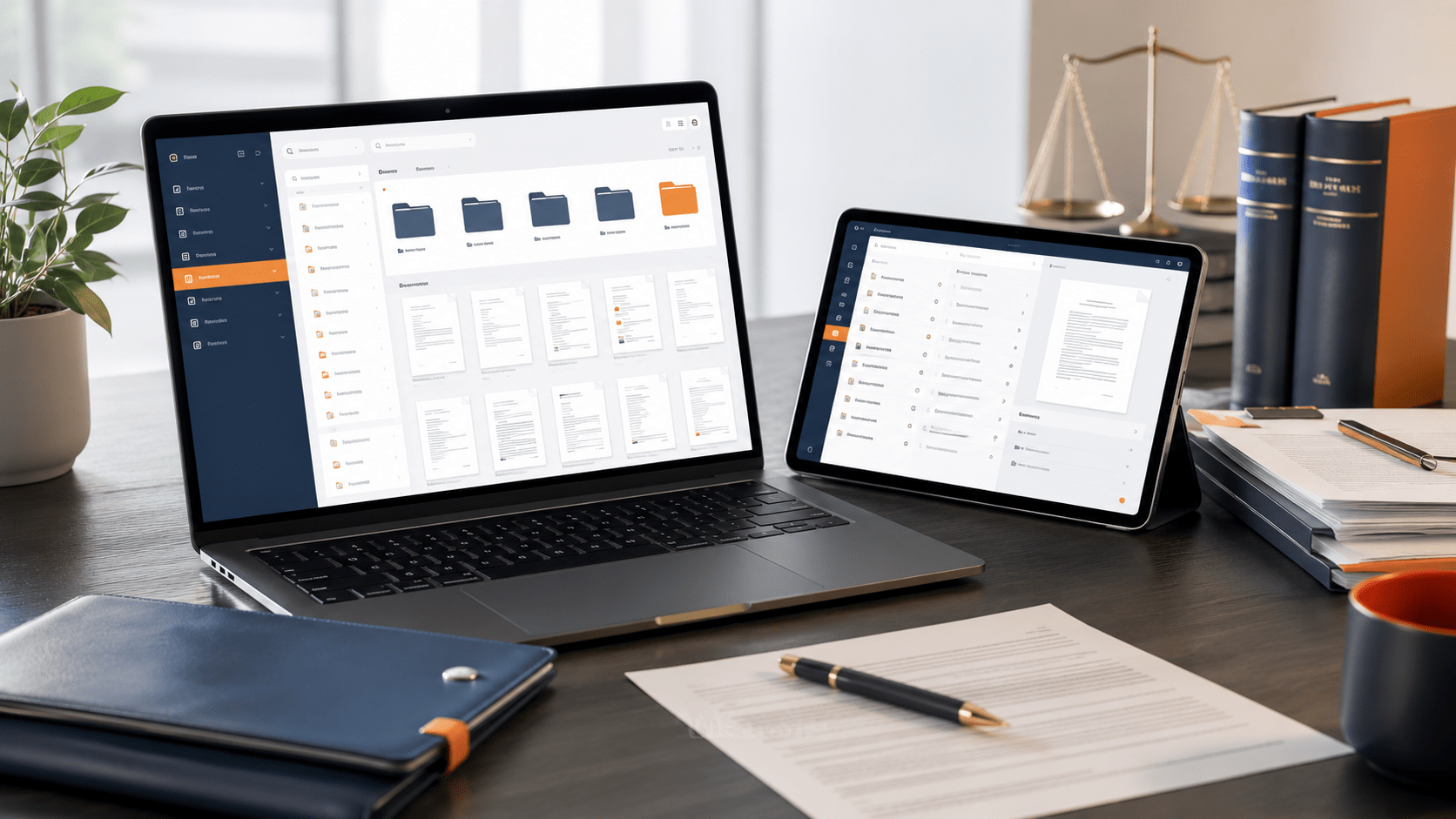
Paperless document management is a system for capturing, organizing, storing, and retrieving business documents in a centralized, controlled digital environment. Unlike simply scanning papers into folders, true paperless document management applies structure, metadata, automation, and governance to every document that enters the system.
- The goal is straightforward: make it faster to find what you need, simpler to share it securely, easier to support compliance requirements, and less prone to human error.
The Shift from Paper to Digital
Many U.S. businesses don’t lack digital documents. They lack control over them. Files live in email inboxes, personal folders, shared drives, Google accounts, and multiple cloud services. Search across these fragmented systems is slow. Version control is nonexistent. Documentation of who accessed what and when remains invisible.
Paperless document management consolidates all of this into one system where documents are indexed, searchable, and governed by consistent rules.
Key Differences Between Digitization and Document Management
- Digitization: = scanning or uploading files into storage.
- Document Management: = organizing those files with metadata, automation, and access controls so they’re actually usable and auditable.
A folder full of scanned PDFs with inconsistent names is digitized. A system where documents are organized by consistent standards, tagged with searchable metadata, and subject to retention rules is truly managed.
Why Scanning and Saving PDFs Isn’t Enough?
Common Problems with Scattered Files
When documents live across email, shared drives, personal computers, and multiple cloud services, duplication and loss multiply quickly. Someone saves a contract to their desktop, emails it to a colleague, and uploads a copy to the shared drive. Six months later, three versions exist, but nobody is certain which one is final. A critical document gets buried under hundreds of files with vague names.
The problem isn’t the documents themselves. It’s that there’s no single source of truth.
Issues with Inconsistent Naming and Organization
Without naming standards, folder hierarchies become chaotic within months:
- ContractFinalv3ACTUALFINAL_UseThis.pdf
- Invoice2024Edited.xlsx
- Folders organized by person instead of document type
- Documents filed under multiple categories because nobody agreed on structure
When your accounts payable team organizes invoices differently than your procurement team, searching becomes guesswork rather than a reliable process.
The Risks of Slow Document Retrieval and Duplicate Versions
Slow retrieval costs time. If a team member spends 10–15 minutes locating a document and handles dozens daily, that’s significant productivity loss each week across a department.
Duplicate and conflicting versions introduce operational and compliance risk. A salesperson quotes terms from an outdated pricing document. Finance approves a contract from an earlier version. An auditor finds multiple copies with different approval signatures, creating questions about which version was actually authorized.
The Hidden Operational Costs of Basic Digitization
Manually scanning and filing documents is labor-intensive. Someone has to receive, organize, name, upload, and notify relevant people—administrative overhead with minimal strategic value.
Additionally, basic cloud storage and shared drives often lack detailed audit trails, making it difficult to document who accessed sensitive information and when. For businesses subject to regulatory oversight, this gap creates risk.
What Are the Benefits of Paperless Document Management?
Faster Document Retrieval and Better Visibility
When documents are indexed and tagged with metadata, retrieval improves meaningfully. Instead of clicking through folders, you search by document type, date, client name, project code, or keyword. You also gain visibility: you know what documents exist, where they are, and how they’re being used.
This matters operationally. Faster retrieval means faster approvals, faster client responses, and faster decision-making based on current information.
Stronger Control and Reduced Manual Work
Paperless document management removes the human bottleneck from routine document handling. Workflows can route documents to the right person based on predefined rules. Access can be restricted by role: accountants access vendor invoices, HR accesses personnel files, managers see documents relevant to their teams. Version history is automatically maintained and auditable.
Instead of your finance team manually organizing expense reports, the system applies consistent organization rules—reducing errors and freeing time for higher-value work.
Easier Compliance, Retention, and Audit Support
Regulatory requirements typically demand that you can demonstrate where sensitive documents are stored, who accessed them, how long you’re required to keep them, and whether they’ve been properly disposed of.
A structured paperless system supports this through access logs and retention management. When an auditor arrives, you can generate reports showing compliance rather than scrambling to piece together evidence from disconnected systems.
Why Does a Structured Digital Document Environment Matter?
Enhanced Document Visibility and Control
When all documents are in one place, organized consistently, and subject to access rules, you know what you have and who’s using it. This prevents problems before they start: accidental exposure of sensitive information, loss of critical files, compliance gaps, and approval bottlenecks.
Improved Workflow Efficiency
Without structured document management, workflows depend on people remembering steps and tracking status manually. Structured systems automate these workflows: documents route to the right person, approvers are notified automatically, and status is visible to relevant team members. Approval processes that once took several days can move much faster.
Key Elements of Effective Paperless Document Management
Centralized Storage Solutions
All documents—contracts, invoices, employee records, vendor agreements—live in one system with role-based access. Centralization eliminates searching multiple locations and creates a single source of truth.
OCR, Metadata, and Smart Search
Optical Character Recognition (OCR) makes scanned documents searchable by their text content. Metadata—structured information like document type, date, client name, or project code—enables intelligent filtering and retrieval. Together, they transform a folder of images into a searchable knowledge base.
Automated Naming and Document Organization
Rather than relying on people to name and file documents consistently, the system applies consistent naming standards and folder placement based on document properties. This eliminates a major source of inconsistency.
Access Control, Audit Trails, and Document Security
Not every team member needs access to every document. Role-based access ensures sensitive information reaches only authorized eyes. Audit trails record access activity, supporting compliance efforts. Encryption protects documents in transit and at rest.
Workflows, Version Control, and Retention Management
Documents move through approval processes according to configured rules. Version history is maintained so you can see all changes and revert if necessary. Retention policies ensure documents are kept as long as required and disposed of safely.
How to Implement a Paperless Document Management System?
Assessing Current Document Management Practices
Before choosing a system, understand your starting point. Where do documents currently live? Who manages them? What are the biggest pain points? What compliance requirements apply to your business?
This assessment prevents you from building a system that solves the wrong problems.
Setting Clear Goals for Digital Transformation
Are you trying to reduce retrieval time? Support compliance requirements? Reduce administrative work? Enable remote collaboration? Document your goals and establish baseline metrics so you can measure improvement after implementation.
Choosing the Right Paperless Document Management Software
Look for centralized storage with role-based access, OCR and smart search capabilities, consistent document organization, audit trails, workflow automation, integration with existing tools, and scalability. The lowest-cost solution isn’t always the best if it doesn’t solve your specific problems.
Preparing and Training Employees for Adoption
The best system fails if people don’t use it correctly. Invest in training before and after launch, covering how to upload and organize documents, search and retrieve efficiently, why consistent organization matters, how workflows function, and security best practices. Designate document management champions in each department for peer support.
Common Mistakes to Avoid in Paperless Document Management
Neglecting User Training and Support
Implementation without training creates resistance. People revert to old habits if they don’t understand how to use the new system or why it’s better. Ongoing support prevents frustration and ensures adoption.
Failing to Establish Consistent Organization Standards
A new system won’t automatically fix document chaos. If teams haven’t agreed on naming conventions, folder structures, and metadata standards before launch, inconsistency continues in the new system.
Treating Shared Drives as a Complete Document Management System
Cloud storage and shared drives are file repositories, not document management systems. They lack the metadata, automation, access control, and audit capabilities that dedicated document management provides. Relying on them alone leaves you vulnerable to the same problems that prompted the move to digital.
Conclusion
Recap of the Importance of Paperless Document Management
Paperless document management transforms scattered, hard-to-find documents into an organized, searchable, auditable knowledge base. It reduces manual work, strengthens compliance support, and gives you real visibility into your records. Unlike basic digitization, true document management applies structure and automation so documents work for your business.
How Docupile Can Help You Organize, Secure, and Manage Documents?
Docupile is a centralized document management platform built for small and mid-sized U.S. businesses. It combines OCR-powered search, automated organization, role-based access control, audit trails, and workflow automation in one system. Whether you’re managing shared drive chaos, navigating compliance requirements, or tired of lost documents, Docupile brings control and efficiency to your document operations.
Stop wasting time searching for documents or worrying about compliance gaps.
See how Docupile can help you organize, secure, and manage documents in one centralized system.
FAQs