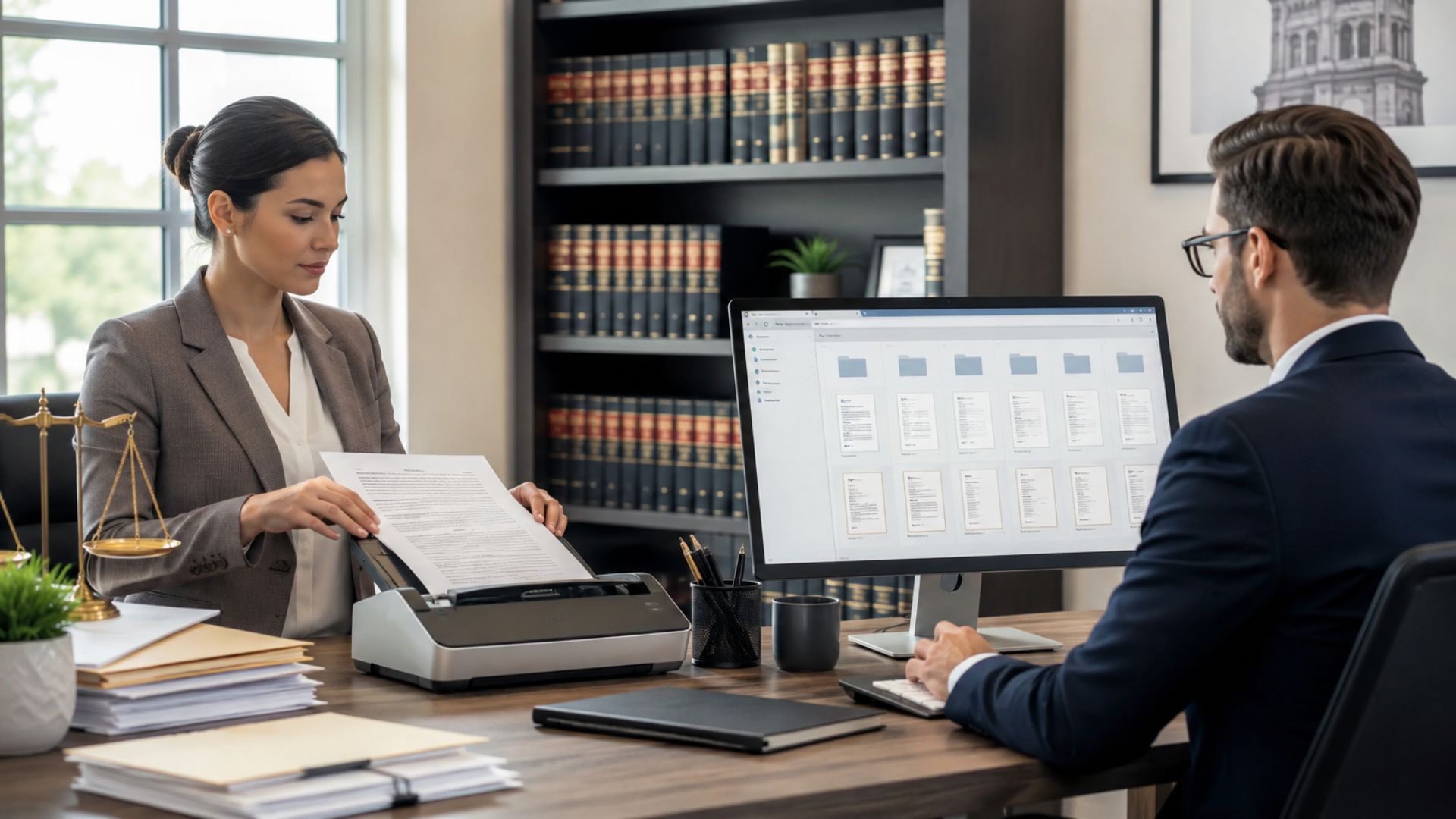
A paperless law firm manages client documents through an organized, searchable digital system rather than relying on filing cabinets. But scanning documents alone doesn’t make a firm paperless. Without naming rules, access controls, and retention policies, paper clutter simply becomes digital clutter.
This guide explains how a paperless law firm works, the professional responsibilities involved, and seven practical steps for making the transition.
Key Takeaways
What Is a Paperless Law Firm?
A paperless law firm stores and manages most client and matter records digitally, using consistent naming conventions, searchable folders, access controls, and backups. Physical documents remain available when required by law, client instructions, or operational needs, but digital records become the primary working system.
Paperless vs. Paper-Lite vs. Hybrid
| Approach | File Management | Main Difference |
|---|---|---|
| Paperless | Digital-first, organized files | Standardized digital workflows |
| Paper-lite | Mostly digital, some routine paper | Paper remains part of daily work |
| Hybrid | Paper, email, desktops, and shared drives | Records may be fragmented |
The goal of a paperless law firm isn’t eliminating every sheet of paper. It’s creating reliable access to client records without depending on individual filing habits.
For additional context, see how a paperless office operates.
Why Are Small Law Firms Going Paperless?
A small firm may have an agreement on a shared drive, client correspondence in Outlook, and signed paperwork in a filing cabinet. Finding the complete matter record requires searching multiple locations.
A paperless law firm can reduce this fragmentation through three improvements.
Faster document retrieval: Consistent folders and searchable content make it easier to locate agreements, correspondence, and previous versions.
Better collaboration: Attorneys and paralegals can work from shared matter records rather than relying on personal folders.
Clearer document control: Permissions, retention policies, and audit histories help firms manage access and document changes.
These benefits depend on consistent processes. Moving documents into cloud storage without organizing them may simply relocate the problem.
What Do Ethics Rules Say About a Paperless Law Firm?
Legal disclaimer: This section provides general educational information, not legal advice. ABA Model Rules are not automatically controlling in every state. Consult your state’s professional conduct rules and ethics guidance.
Rule 1.1: Technology Competence
ABA Model Rule 1.1, Comment 8 addresses understanding the benefits and risks of relevant technology.
Attorneys should understand where client files are stored, how access is controlled, and how information can be recovered.
Rule 1.6: Confidentiality and Cloud Storage
ABA Model Rule 1.6(c) requires reasonable efforts to prevent unauthorized access or disclosure.
ABA Formal Opinion 477R addresses secure electronic communications, while Formal Opinion 498 discusses ethical considerations in virtual practice.
For law firm cloud storage, relevant safeguards include encryption, multifactor authentication, restricted permissions, and secure access procedures.
Rule 1.15: Safekeeping Records
ABA Model Rule 1.15(a) specifies a bracketed five-year period for records of client account funds and other property after representation ends. State requirements may differ.
This is not a universal retention period for every client matter file.
Rule 5.3: Vendor Supervision
ABA Model Rule 5.3 addresses responsibilities concerning nonlawyer assistance, including outside service providers.
Evaluate vendors’ confidentiality safeguards, permissions, backups, and data-return procedures.
Check State-Specific Rules
Florida Ethics Opinion 06-1 permits electronic file storage under specified conditions. Missouri Formal Opinion 127 addresses electronic storage while identifying restrictions concerning originals with intrinsic or legal significance.
Both reinforce why firms should review applicable state requirements before disposing of paper records.
How to Convert to a Paperless Law Office: 7 Steps
Building a paperless law firm works best when policies and file structure are established before large-scale scanning.
Step 1: Audit Existing Documents
Identify records stored in cabinets, email, shared drives, and individual devices. Decide whether to digitize new documents first (day-forward scanning) or include older files (backfile scanning).
Step 2: Create a Standard File Structure
Organize documents by client, matter, and document type. Establish a naming convention that every employee follows.
Step 3: Select Appropriate Software
Evaluate search capabilities, permissions, version history, security controls, and export options. Dedicated legal document management software can complement existing practice management systems.
Step 4: Configure Secure Access
Enable multifactor authentication, assign matter-based permissions, and test backups. Limit access to employees who need particular documents for their responsibilities.
Step 5: Train Your Team
Demonstrate uploading, naming, finding, and updating documents. Include confidentiality reminders and practice exercises using sample matters.
Step 6: Establish Retention Policies
Document what must be retained, returned, archived, or securely destroyed. Include approval procedures and exceptions for legal holds.
Step 7: Review Quarterly
Audit naming consistency, access permissions, backups, and retention dates. Adjust procedures based on recurring problems.
These steps help a paperless law firm establish consistent practices before expanding digitization across every matter.
How Should You Structure and Name Digital Client Files?
A consistent folder hierarchy makes documents easier to find, especially when matters change hands.
Example Folder Structure
Clients/
  Smith_RealEstate/
    01_Engagement/
    02_Correspondence/
    03_Contracts/
    04_DueDiligence/
    05_Billing/
    06_Closing/

  Acme_ContractDispute/
    01_Engagement/
    02_Correspondence/
    03_Pleadings/
    04_Discovery/
    05_Billing/
    06_Closing/
Adapt the categories to each practice area.
File Naming Convention
Use a consistent formula:
YYYY-MM-DD_Client-Matter_DocType_v1.pdf
Example:
2026-01-15_Smith-RE_PurchaseAgreement_v1.pdf
The filename identifies the date, client matter, document type, and version. Clear names improve document indexing and reduce reliance on individual memory.
You can also evaluate existing naming practices with Docupile’s free file naming checker.
How Long Should a Paperless Law Firm Keep Client Files?
Retention requirements vary by state, document category, client agreement, and applicable legal obligations. Confirm the relevant rules before destroying records.
Retention Requirements
Develop schedules for client files, trust-account records, administrative documents, and closed matters. Do not automatically apply Rule 1.15’s model recordkeeping period to every category.
Originals and Litigation Holds
Certain documents, including original wills, deeds, or instruments with intrinsic value, may require physical retention or return to the client.
When litigation is pending or reasonably anticipated, preserve relevant records and suspend routine destruction where required.
Secure Shredding
After confirming that destruction is permitted, use appropriate secure shredding procedures or a vetted destruction provider. Maintain records of authorized disposal.
For additional guidance, download the free legal document guide.
Why Do Paperless Law Firm Projects Fail?
A paperless law firm can struggle when employees lack clear procedures.
Scanning without organization: Unnamed PDFs accumulate in miscellaneous folders. Fix: Establish naming and indexing rules before scanning.
Inconsistent staff habits: Employees continue saving files on personal desktops. Fix: Provide hands-on training and review adoption regularly.
Weak access controls: Unnecessary permissions expose confidential matter records. Fix: Apply restricted access, MFA, and periodic permission reviews.
Technology supports these policies but cannot replace them.
What Should Paperless Law Office Software Include?
Effective paperless law office document management software should support daily work while protecting confidential records.
Must-Have Features
Questions to Ask Before Buying
Can staff search by keyword, tag or metadata? Can the software work alongside existing legal systems? Are permissions configurable by matter? How are documents restored or exported?
Consider ownership, hosting arrangements, costs, and cancellation terms before choosing a provider.
How Docupile Supports a Paperless Law Office
Docupile helps firms bring consistency to legal document management through digital organization, document search, and access controls.
Intelligent Filing and Organization
Docupile offers AI auto-naming and auto split and sort capabilities to reduce manual document processing. Teams can also use search, version history, and organized folders to manage client records.
Security and Document Control
Role-based permissions, authentication controls, and audit logs help teams manage document access and review recorded activity.
For a practical example, read how Avenlor Legal organized its client documents around consistent matter records.
Docupile supports document processes; professional responsibility and compliance decisions remain with the firm.
Conclusion
A paperless law firm succeeds through consistent digital organization, clear access policies, staff training, and retention procedures—not scanning alone. Starting with one matter and refining the workflow creates a practical foundation for broader adoption.
See how Docupile organizes a new client matter. Book a 15-minute demo.