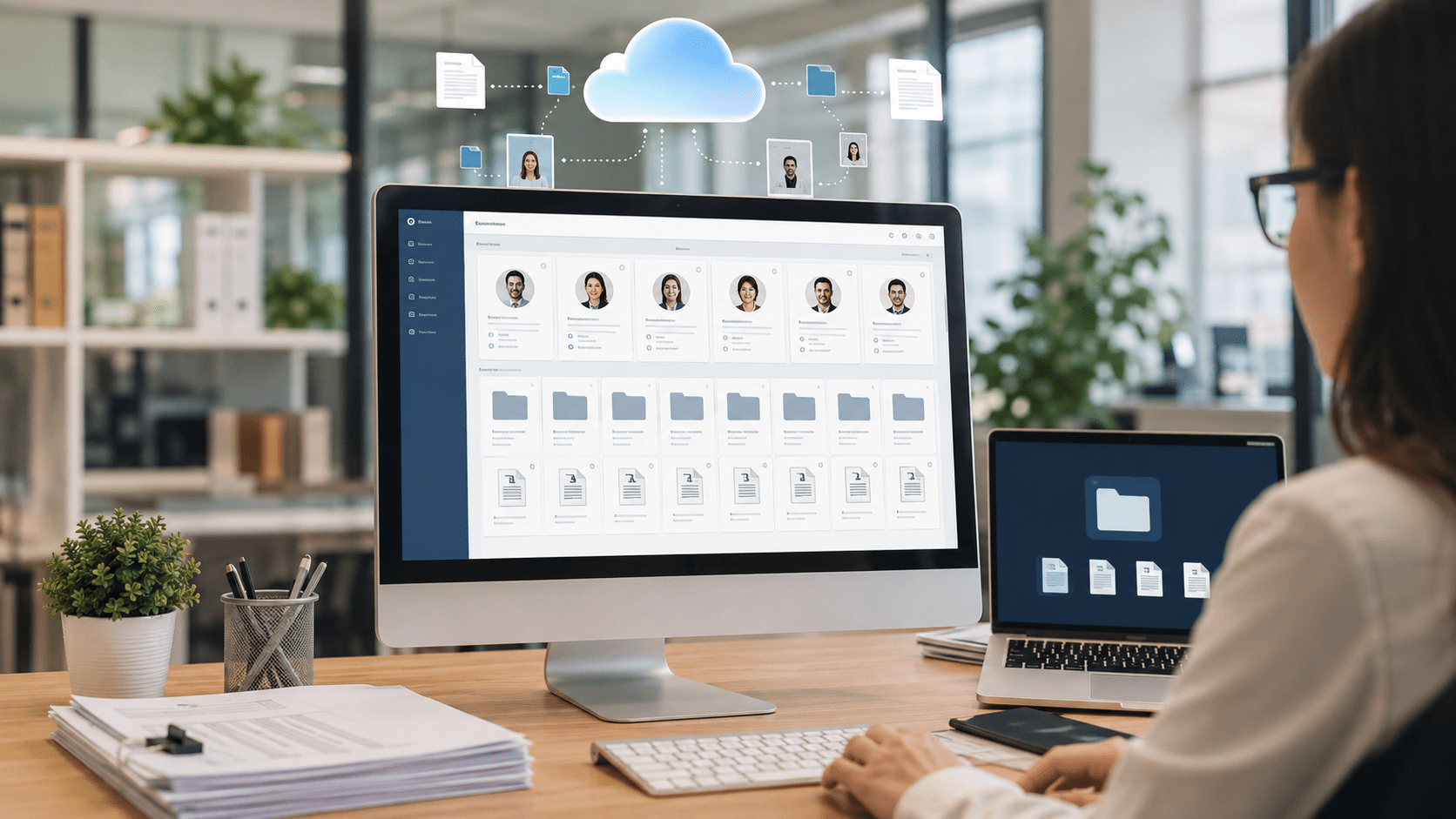
HR teams live with a fundamental contradiction. Their employee files have moved to the cloud, yet finding a specific document still feels like searching through a filing cabinet you cannot see.
What is HR employee file management software? It is a centralized system that organizes, secures, and controls digital employee documents, from I-9 forms and offer letters to performance reviews and separation agreements. Unlike shared drives, it adds structured filing, role-based access, audit trails, version history, and retention tracking.
Digitized does not equal organized, retrievable, or audit-ready. A shared folder filled with thousands of PDFs, inconsistent file naming, multiple versions of the same document, and unclear access restrictions is still chaos. It has simply moved to the cloud. This gap between “we have digital files” and “we can reliably manage our employee records” is where operational friction builds and compliance risk accumulates.
E- book: Simplifying HR DMS
Scroll Down for a Cool Infographic
The Practical Gap Most HR Teams Face with Employee Records
Imagine an employee separation.
You need to gather their complete personnel file:
- offer letter
- onboarding paperwork
- performance reviews
- compensation records
- training documentation &
- separation agreements.
The files live in multiple places. Some sit in a shared drive under the employee’s name, some under their department, and some under the year they were created. You find three versions of a performance review and cannot determine which is official. A policy acknowledgement sits in someone’s email. A medical accommodation is buried in a different folder with tighter access, if it was stored at all.
Now imagine an I-9 inspection. When immigration authorities issue a Notice of Inspection, employers generally have three business days to produce the requested forms. If those forms are scattered across shared drives, email, and individual computers, three days disappear quickly.
This is not a storage problem. Storage is inexpensive. This is a findability, governance, and accountability problem.
Digitization solved the problem of physical space, not the problem of control. Records end up split across the HRIS, shared drives, email, and individual computers, so a complete file has to be reassembled by hand, and gaps often surface only during an audit. For small and mid-sized organizations without a dedicated compliance team, that manual effort carries a real operational cost.
Common Myths That Keep HR Records Disorganized
Myth: Shared Folders and Cloud Drives Keep HR Records Under Control
Shared drives (Google Drive, OneDrive, Dropbox) solve access and backup. They can maintain version history and offer file-level permissions. But they are not built around the employee record. There is no employee-centric file structure. Permissions are set ad hoc, folder by folder. Retention depends on someone remembering to delete old files.
Nothing tells you whether a personnel file is incomplete or whether you are missing documents from a specific period. Over time, shared drives become repositories without governance, with inconsistent naming, unclear ownership, and limited audit visibility.
Myth: An HRIS Already Handles All Document Needs
An HRIS is built to manage structured employee data such as pay, benefits, and job history. Its document features are usually secondary, so search, versioning, and access rules around documents tend to be basic. The next section explains where each system fits.
What’s the Difference Between an HRIS and HR Employee File Management Software?
HRIS and DMS solve different but complementary problems and can work together to create a more complete employee record.
| Feature |
Shared Drive |
HRIS | HR Employee File Management Software |
|---|---|---|---|
| Primary purpose | Store and share files | Manage structured employee data | Govern employee documents |
| Organized around | Folders | Data fields | The employee record |
| Access control | Set folder by folder | Role-based for data; basic for documents | Role-based by document type |
| Retention | Manual | Limited for documents | Tracked by document type |
| Audit trail | Varies by plan | Focused on data changes | Document-level access and changes |
An offer letter might be generated in the HRIS, but the signed version is stored, versioned, and controlled in the document management system. Together, they create a complete picture. Separately, they create gaps.
Core Capabilities That Turn Scattered Files into Reliable Records
Centralized Employee Files from Onboarding to Offboarding
Every employee document lives in one place instead of being spread across email, shared drives, and HRIS attachments. Signed offer letters, I-9s, policy acknowledgements, and direct deposit forms sit in one employee record, with completion tracked. During offboarding, HR can pull the complete file and verify that nothing is missing.
Search, Retrieval, and Version History
HR should be able to find a specific document in minutes, not hours. Version control shows which document is official and when it was last modified. When personnel files are searchable and versioned, compliance responses become fast and traceable.
Role-Based Access and Audit Trails
Many HR teams maintain three separate files for each employee: the general personnel file, a confidential medical file for accommodation and health records, and a separate I-9 file, so an immigration inspection doesn’t expose unrelated records. Role-based access then decides who sees each one. For example, a manager might see role-relevant documents, while medical records stay limited to a small number of authorized staff. Audit logs show who accessed what and when.
Retention Tracking After Separation
For many records, separation sets the retention date. Records are kept for the required period and flagged for disposal when that period ends. For example, Form I-9 must be retained for three years after hire or one year after termination, whichever is later. Structured retention tracking reduces reliance on manual monitoring of employee-record expiration dates.
How Docupile Brings Structure to HR Employee File Management?
Docupile’s HR File Management capabilities organize documents around the employee, so each person’s records sit in one structured file from hire to separation.
AI-assisted organization. Docupile identifies document types and files them to the right employee and category, reducing manual naming and sorting.
Access control and workflow automation. Role-based permissions limit each team member to the records they need, and separation workflows start retention tracking automatically.
Audit visibility. Access logs and retention records let HR show who viewed employee files, when, and how retention was applied.
In practice. Merriton Workforce Services reduced employee-record retrieval time from 47 minutes to under 6 minutes after moving its HR records into Docupile. eliminating the need to reassemble files from email and shared drives.
How Do You Evaluate HR Employee File Management Software?
Does it organize around the employee, not the folder? You should be able to see one employee’s complete record without hunting through nested folders.
Can you control access by document type? Different roles should see different documents. For example, HR sees the full file, a manager sees role-relevant documents, and only authorized staff see medical records.
Does it track retention by document type? The system should flag records for disposal when their retention period ends, so no one has to track expiration dates manually.
Will it integrate with your HRIS? Check whether signed offer letters and training records can flow from your HRIS into the document system without manual uploads.
Can it produce audit reports? You should be able to show who accessed employee records and when, and that retention was applied on schedule.
The Real Decision HR Teams Need to Make
The problem is not storage capacity. It is control, findability, and reliability. HR teams need one place where every employee’s documents are organized, versioned, searchable, and access-controlled, with retention tracked and an audit trail to prove it. That is what HR employee file management software is for.
See How Docupile Turns Employee Files into Records You Can Trust
Request a demo to see how Docupile helps HR teams organize, control, and defend employee records in an audit.