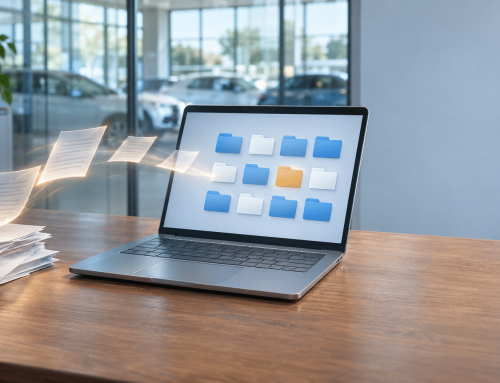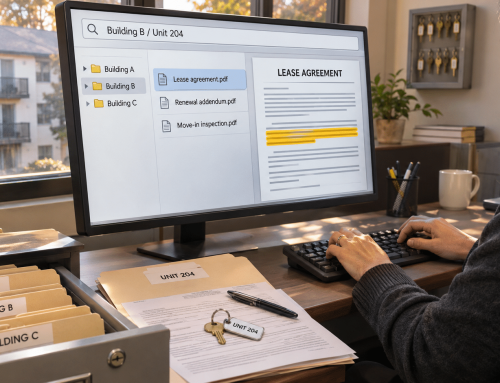
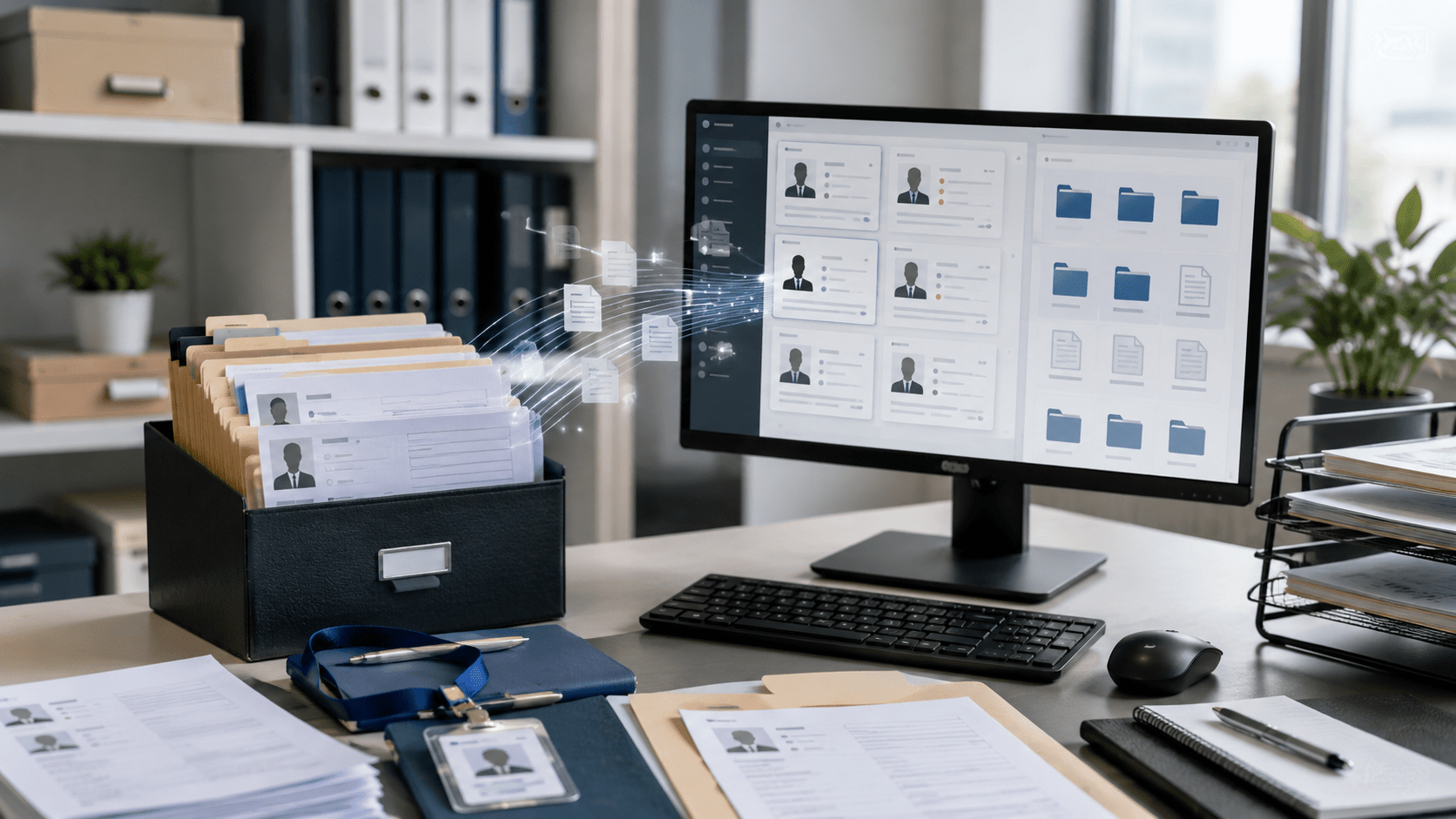
An HR DMS gives your employee documents a proper home. Your HRIS already tracks pay, benefits and job history, but the offer letters, signed policies, reviews and I-9s behind that data often sit somewhere else: an inbox, a shared drive, a desktop folder or a filing cabinet down the hall. That split turns simple requests into long searches and makes HR paperwork hard to keep complete.
This guide explains what an HR DMS is, how it differs from an HRIS, where it fits in your HR tech stack and how to run the two systems side by side.
What Is an HR DMS?
An HR DMS (human resources document management system) is software that stores, names, tags, searches and archives employee documents such as offer letters, I-9s, reviews and policies. It holds the paperwork behind your employee records, while your HRIS holds the data itself.
In practice, an HR DMS turns scattered employee documents into digital employee files: one organized folder per person that anyone with the right access can search quickly. It applies document management software to the documents HR handles every day.
HRIS vs HR DMS: What Is the Difference?
What Is HRIS?
An HRIS (human resource information system) is software that stores and manages employee data, such as personal details, pay, benefits, time off and job history. It’s the system of record for who works for you and on what terms.
An HRIS can usually attach a file to an employee profile, but it isn’t built to name, tag, search and archive thousands of documents. That’s the job of an HR DMS. Here’s how the two compare:
| Feature | HRIS | HR DMS |
|---|---|---|
| Main job | Manages employee data | Organizes employee documents |
| What it holds | Names, pay, benefits, dates | Offer letters, I-9s, reviews, policies |
| Search | By employee record | By keyword, tag, metadata or employee name |
| Document handling | Basic file attachments | Naming, tagging, filing, archiving |
| Audit support | Data reports | Organized, searchable records |
Put simply, the HRIS answers “What do we know about this employee?” The HR DMS answers “Where is the signed document that proves it?” For more on keeping those records in order, see our guide to HR records management.
Where Does an HR DMS Fit in Your HR Tech Stack?
A typical HR tech stack has a few layers, each with one job:
The HR DMS runs side by side with your HRIS. Use the same employee names and IDs in both, and a record in one system is easy to match to the files in the other. Nothing gets replaced. You’re adding the document layer your HR technology stack may be missing. For a closer look, read about keeping employee files in the cloud and why HR teams need a dedicated document system.
Signs Your HR Team Needs an HR DMS
Documents Live in Five Places
Offer letters sit in one person’s inbox, signed policies on a shared drive and older reviews in a filing cabinet. When documents live in that many places, nobody can say for sure whether an employee’s file is complete. One home for employee documents removes the guesswork.
I-9 Inspections and Record Requests Take Hours
When ICE serves a Notice of Inspection, employers get at least three business days to produce their Forms I-9 (ICE). If those forms are spread across drawers and drives, that window turns into a scramble. Everyday requests from managers, auditors and former employees run into the same problem.
Medical Records Mixed Into the Personnel File
Under the ADA, information about an employee’s medical condition or history must be kept in separate, confidential medical files (EEOC). USCIS also recommends storing Form I-9 apart from personnel records to make inspections easier (USCIS). When everything sits in one folder, both rules are easy to break.
New Hires Have No Clear Home for Paperwork
Onboarding creates a burst of HR paperwork: offer letters, tax forms, policy acknowledgments and I-9s. Without a set place for it, documents land wherever the person handling them saves them. See how a DMS can simplify hiring and onboarding and support HR record compliance.
Spending hours hunting for employee files? Book a demo to see an HR DMS at work.
How Do You Run an HR DMS Alongside Your HRIS?
Map Where Your Documents Live
List every place employee documents sit today: inboxes, shared drives, desktops and paper files. Note which document types live where. This map shows what to move first and where files are most likely to go missing.
Set One Filing Standard
Name every file by employee ID and document type, and give each employee one folder. Inside it, keep three separate files: general personnel, confidential medical and I-9. Limit the medical and I-9 files to the people who need them. Matching IDs between your HRIS and HR DMS keeps records easy to link.
Start With New Hires, Then Back-File
Apply the standard to every new hire from day one so the backlog stops growing. Then work through older records one department or one year at a time until every employee file is in place. Features like AI auto-naming cut the manual work of renaming scanned files.
Train the Team on One Routine
Show everyone the same steps: where uploads go, how files are named and who can open what. A short written routine keeps the system consistent when people change roles or go on leave. Pair it with HR automation for the repetitive steps.
What Should You Look For in an HR DMS?
When you compare options, check that the HR DMS offers:
How Docupile Works as Your HR DMS
Docupile is a cloud document management system that works as your HR DMS. It sits beside your HRIS, not in place of it. AI auto-naming and tagging file each document consistently, and workflows route new uploads into the right employee folder. Your team can search by keyword, tag, metadata or employee name, and older records move into secure archives.
Take Control of Your HR Paperwork
An HR DMS holds the documents. Your HRIS holds the data. Running both side by side keeps HR paperwork organized, searchable and ready when someone asks for it, whether that’s a manager, an auditor or an inspection notice.
See how Docupile organizes employee documents. Book a demo of Docupile’s HR file management to see an HR DMS at work.