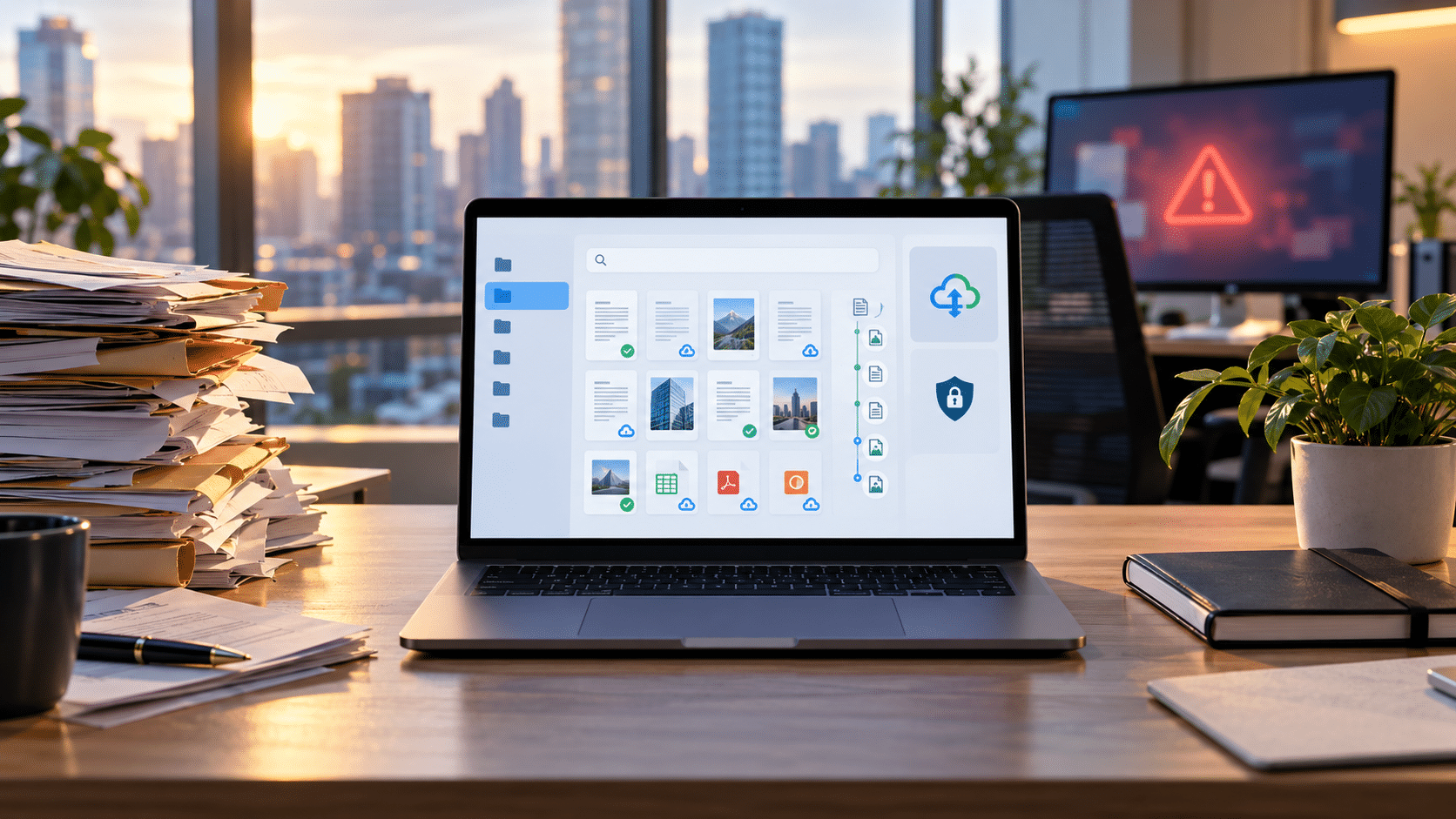
A document disaster does not always look dramatic.
Sometimes it begins with a simple question:
“Where is the signed version?”
The file may still exist somewhere in the business. But if the right employee cannot find it, access it, verify it, or recover it when needed, the organization still has a serious problem.
That is why document disaster recovery should not be treated as a backup-only issue.
Recent events affecting U.S. businesses have highlighted several different failure points at once: ransomware disrupting access to business-critical information, old cloud integrations creating unexpected access paths, sensitive documents remaining in storage for years, and files becoming difficult to trust because multiple versions exist.
The bigger question is not simply whether a business still has its files.
It is:
Can the organization still find, trust, control, and recover the right business record when normal operations are disrupted?
That is where document disaster recovery becomes part of a broader document-readiness strategy.
What Is Document Disaster Recovery?
Document disaster recovery is the ability to regain access to critical business records when they become unavailable, lost, deleted, compromised, overwritten, or difficult to locate.
But restoring a file is only one part of recovery.
A business may recover a document and still be unable to answer basic questions:
- Is this the latest approved version?
- Who changed it?
- Who should have access to it?
- Is this the authoritative copy?
- Should this document still be retained?
- Can the organization prove what happened to it?
This is where document disaster readiness becomes broader than traditional backup.
A prepared business should be able to find the right record, identify the correct version, control access, trace important activity, manage retention, and recover the document when normal access is disrupted.
Backup and Document Readiness Are Not the Same Thing
A backup is important. It helps answer whether another copy of the data exists.
Readiness asks a harder set of questions.
Can the business restore the correct record? Can employees identify the approved version? Can authorized users regain access? Has recovery actually been tested? Can the organization still understand what happened to the document before and after it was restored?
Those distinctions matter because ransomware has become as much a business-continuity issue as an IT issue.
In its 2026 Data Breach Investigations Report, Verizon reported ransomware involvement in 48% of the breaches in its dataset. Separately, an August 2026 CISA/FBI-led advisory on Gunra ransomware emphasized the importance of protected, separated, and tested backups as part of recovery planning.
The practical question for a business is therefore not only:
“Are our files backed up?”
It is:
“If our normal environment becomes unavailable, can we recover the right record and know that it is trustworthy?”
Can You Find the Right Document When It Matters?
Recovery starts with knowing where the document is.
Business records often end up spread across:
Email inboxes. Shared drives. Employee laptops. Department folders. Cloud storage. Local downloads.
That may work while the people who created the filing structure are still available.
It becomes harder when an employee leaves, a folder is moved, a filename is forgotten, access to the usual location is interrupted, or several copies of the same document exist.
The problem is not always that the document has disappeared.
Sometimes the organization simply cannot locate it quickly enough.
A stronger document environment reduces that dependency on memory. Centralized records supported by OCR, metadata, and content search allow users to search using the information contained inside documents rather than relying entirely on filenames or folder paths.
That improves everyday productivity.
During disruption, it becomes part of recovery readiness.
Do You Know Who Can Access Your Critical Files?
Availability is only one side of document readiness.
Access also needs to be understood and controlled.
In 2026, The Register reported, based on Dropbox notifications, that approximately 5,000 Dropbox accounts were affected through a legacy Lenovo ID integration. Files belonging to fewer than one-third of affected users were reportedly accessed.
The broader lesson is not that businesses should avoid cloud storage.
It is that document access can extend through identities, permissions, shared links, and integrations that may have been established years earlier.
Businesses should understand whether important records can be reached by:
- active employees;
- former employees;
- contractors;
- outside collaborators;
- shared groups;
- privileged users;
- third-party integrations.
Access changes over time.
An employee changes roles. A contractor finishes a project. A temporary share remains active. An old integration continues to exist.
Without visibility into those access paths, permissions can remain long after the original business reason disappears.
That is why role-based access and access visibility belong inside a document-readiness strategy.
Can You Identify the Official Version?
A recovery process can succeed technically and still fail operationally if the wrong version of a document is restored.
Consider a familiar sequence:
Contract_Final.pdf
Contract_Final2.pdf
Contract_Approved.pdf
Contract_Final_Updated.pdf
Which one is the record the business should rely on?
Version confusion becomes more likely when documents move between email, shared drives, desktops, cloud folders, and multiple employees.
The issue is not simply whether older versions exist.
The business needs to determine:
What changed? Who changed it? Which copy was approved? Which version is now authoritative?
That question is becoming even more relevant as organizations use AI to create, summarize, revise, and assist with business documents.
In August 2026, the U.S. National Archives and Records Administration reminded federal agencies that certain AI inputs, outputs, audit trails, data, and related materials may qualify as federal records and must be managed accordingly.
That guidance applies to federal records management, not automatically to private businesses. But it illustrates a broader governance problem companies increasingly face: when multiple human- and AI-assisted versions exist, organizations need a clear way to determine which one became the official business record.
For document readiness, the principle is simple:
Recovery is only useful if the business can identify the version it should trust.
Can You Prove What Happened to the Document?
A document may be available and still be difficult to rely on if its history is unclear.
For important business records, organizations may need visibility into events such as:
Created → Viewed → Changed → Shared → Approved → Archived
That is where auditability becomes part of readiness.
An audit trail can help answer questions such as:
- Who accessed the document?
- When was it modified?
- Who made the change?
- Was another version created?
- What activity occurred before the current version became authoritative?
That visibility can become important during audits, disputes, employee transitions, security reviews, and internal investigations.
Document readiness therefore involves more than preserving the file itself.
It also means retaining enough context to understand what happened to that file over time.
Are You Keeping Documents Longer Than Necessary?
Document disaster recovery usually focuses on what happens when records disappear.
But another kind of document risk comes from records that never disappear at all.
In September 2026, KrebsOnSecurity reported that a dark-web service called Nexus claimed access to more than 153 million U.S. and Canadian driver’s-license scans, along with other identity documents. The number was a claim made by the service and was not independently verified, while the apparent source and scope remained under investigation.
The story nevertheless raises a useful question for any organization handling sensitive records:
Why are we still keeping this document?
Every sensitive file retained by a business creates an ongoing responsibility.
A retention process should consider:
- why the record is still required;
- applicable legal, regulatory, or contractual obligations;
- where additional copies may exist;
- who is responsible for the record;
- when it should be reviewed or disposed of.
Keeping everything forever can appear safer than deleting something important.
But it is not the same as having a retention strategy.
A document can create risk because it cannot be recovered.
It can also create risk because it remained available long after the organization had a legitimate reason to retain it.
Can You Recover the Correct File After a Disruption?
This is where the full document disaster recovery question comes together.
Successful recovery should not simply mean:
“The system is back.”
It should mean:
“The business can restore the right record, confirm that it is the correct version, make it available to the appropriate people, and understand enough of its history to trust it.”
That requires organizations to think about critical records, not only infrastructure.
Key considerations include:
- Which records are essential to operations?
- Who owns the recovery process?
- How quickly must those records become available?
- How will employees identify the correct version?
- What happens if the normal account or repository cannot be accessed?
- Has the recovery process actually been tested?
The most important records will vary by organization, but they commonly include contracts, employee files, customer records, financial documents, policies, signed approvals, vendor documentation, and compliance records.
The more important the document, the less acceptable it is to discover its recovery problem during an incident.
How Document Management Supports Disaster Readiness?
Document management is one layer of business resilience.
It does not replace endpoint security, network protection, ransomware controls, or dedicated resilient backup infrastructure.
Its role is different: reducing uncertainty around the documents themselves.
A document management platform such as Docupile can support that layer by bringing important document controls into a structured environment.
- Smart Search and OCR help employees locate records based on their content.
- AI Auto Naming and Foldering support more consistent organization.
- Role-Based Access helps control who can reach specific documents.
- Version History helps teams understand document changes and identify earlier copies.
- Audit Trails provide visibility into document activity.
- Retention controls support more structured lifecycle management.
- Workflow Automation helps document processes follow repeatable steps rather than depending entirely on individual memory.
Together, these capabilities can make business records easier to find, control, trace, and manage when normal working conditions change.
Build Readiness Before the File Becomes the Emergency
Document weaknesses are often discovered at the worst possible moment.
- An auditor requests a record.
- An employee leaves.
- A customer dispute begins.
- A shared repository becomes unavailable.
- A critical file is overwritten.
- A security incident interrupts access.
That is not the ideal time to discover that nobody knows where the authoritative record lives.
A stronger document disaster recovery approach starts before disruption happens.
Businesses need to know where critical records are, who can access them, which version is official, what happened to them, how long they should remain in the organization, and how the correct file can be recovered when normal access fails.
That is the difference between simply storing documents and being ready to depend on them.
Ready to Strengthen Your Document Readiness?
When critical records matter, having the right document controls already in place can make recovery faster, clearer, and more reliable.
See how Docupile can help you keep business documents searchable, controlled, traceable, and easier to manage when it matters most.