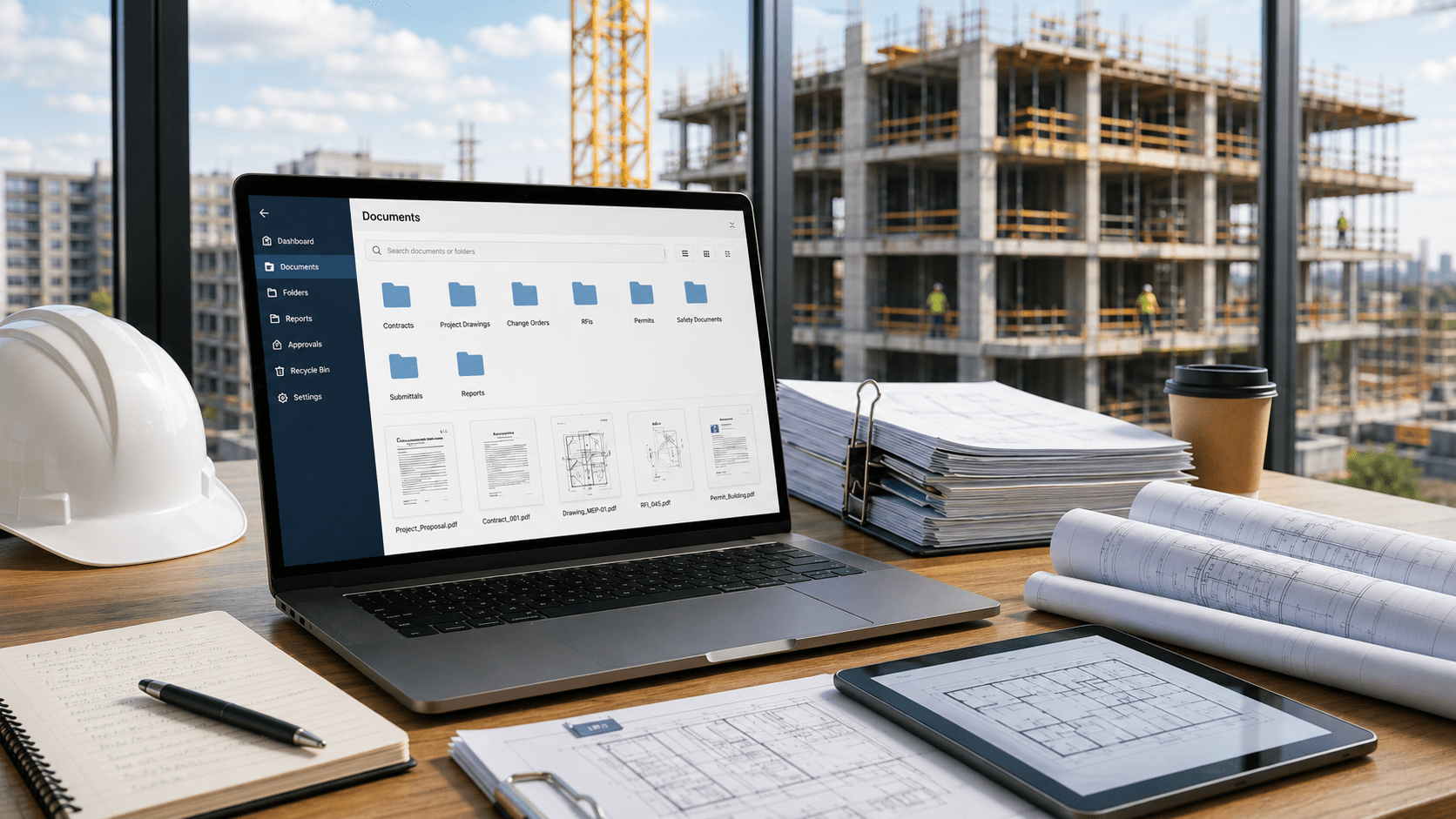
Construction teams manage hundreds of documents per project — drawings, change orders, RFIs, contracts, daily reports. When even one gets misfiled or missed, the consequences ripple across your entire project. This guide explores how document management software for construction helps you eliminate plan mix-ups, reduce delays, and protect your bottom line.
Want to Learn More?
Check Out: How Electronic DMS for Accounting Firms Helps Accounting Team
Ebook: Document Management Software for Construction
Related Articles:
The Real Cost of Document Chaos in Construction
Document chaos doesn’t announce itself. It shows up quietly — a field crew working from last month’s drawing, a change order buried in someone’s inbox, a subcontractor who never received the updated spec.
Consider this scenario:
A superintendent on a commercial build proceeds with framing based on a drawing that was revised two weeks earlier. The updated version was approved, filed in a shared folder, but never properly distributed. Two days of work, wrong location. Tearing it out and redoing it costs time, materials, and trust with your client — for something entirely preventable.
This is not an unusual situation. It happens on projects of every size, and it happens because most construction teams are managing documents through email threads, printed sets, and generic cloud folders not built for construction workflows.
Why Construction Teams Keep Struggling?
The problem isn’t effort — most teams work hard. The problem is the tools. Email is not a document management system. A shared Google Drive folder is not version control. A printed drawing set in a job trailer is not a single source of truth.
Without a purpose-built system, teams fall into the same patterns:
These aren’t occasional inconveniences. They are daily friction that compounds across every project and every team member.
What Is Document Management Software for Construction?
Document management software for construction is a specialized digital solution that centralizes, organizes, secures, and manages all project documents throughout their lifecycle. It is built specifically for construction workflows — not adapted from generic file storage.
Core Functions Beyond Simple Storage
How It Differs from Generic Cloud Drives?
Generic tools like Google Drive or Dropbox treat a construction project like any other folder. Purpose-built construction document management software understands that drawings have revisions, RFIs have lifecycles, and field teams need offline access on remote sites.
The difference in practice:
Hidden Costs of Poor Construction Document Control
Financial Leaks from Disorganization
Think about the cumulative hours your project managers, superintendents, and admin staff spend each week searching for files, resending documents, and resolving version confusion. On a mid-size project with five team members each losing an hour a day to document-related friction, that’s 25 hours a week of productive time gone — before a single mistake leads to rework.
Now multiply that across three or four active projects simultaneously.
Legal Vulnerabilities in Disputes
Without a clear audit trail, your firm is exposed the moment a dispute arises. A subcontractor claims they were never sent the revised drawing. A client disputes whether a change order was approved. If you cannot produce timestamped evidence of exactly who received what and when, your defense is built on memory and email chains.
A solid construction document management system gives you an irrefutable record of every document action — distribution, acknowledgment, revision, and approval — so you can defend your position with confidence.
Key Benefits of Document Management Software for Construction Companies
What to Look for in Construction Document Control Software?
Not all document management tools are built equally. When evaluating options, prioritize:
How Docupile Simplifies Document Management for Construction Teams?
Docupile is built specifically for small to mid-size construction firms. It is not a repurposed generic cloud drive — it is a purpose-built platform designed around how construction teams actually work.
Rolling Out Document Management Without Halting Your Projects
Phase 1: Secure Access and Migrate Core Files
Start by setting up role-based access that mirrors your existing team structure. Then migrate your most critical documents first — current project plans, active contracts, safety manuals — and configure mobile and offline access for field teams from day one. They will notice the difference immediately.
Phase 2: Automate Workflows and Connect Teams
Activate Docupile’s AI automation to handle naming, tagging, and filing automatically. Encourage field teams to use the mobile app for markups, photo uploads, and daily reports so the office receives real-time updates without waiting on emails or phone calls.
Phase 3: Beyond Launch – Measure and Optimize
Activate Docupile’s AI automation to handle naming, tagging, and filing automatically. Encourage field teams to use the mobile app for markups, photo uploads, and daily reports so the office receives real-time updates without waiting on emails or phone calls.
Conclusion
Construction teams that adopt purpose-built document management software don’t just reduce chaos — they finish projects faster, protect their margins, and build stronger client relationships. The firms holding onto email threads and generic cloud folders are already falling behind.
The good news is the switch doesn’t have to be disruptive. With the right system and a phased approach, you can be up and running with immediate wins in week one.
Ready to eliminate document chaos on your next project?
Join 200+ construction teams using Docupile to streamline their document workflows.
See how Docupile simplifies document management for construction teams — Book a Free Demo