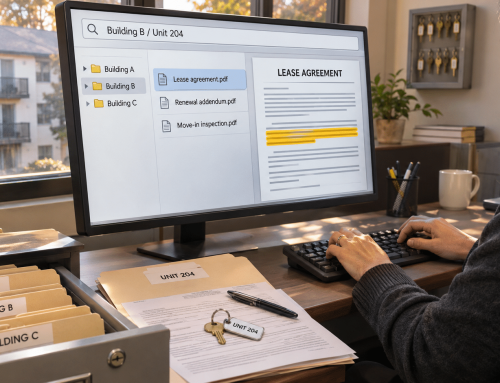
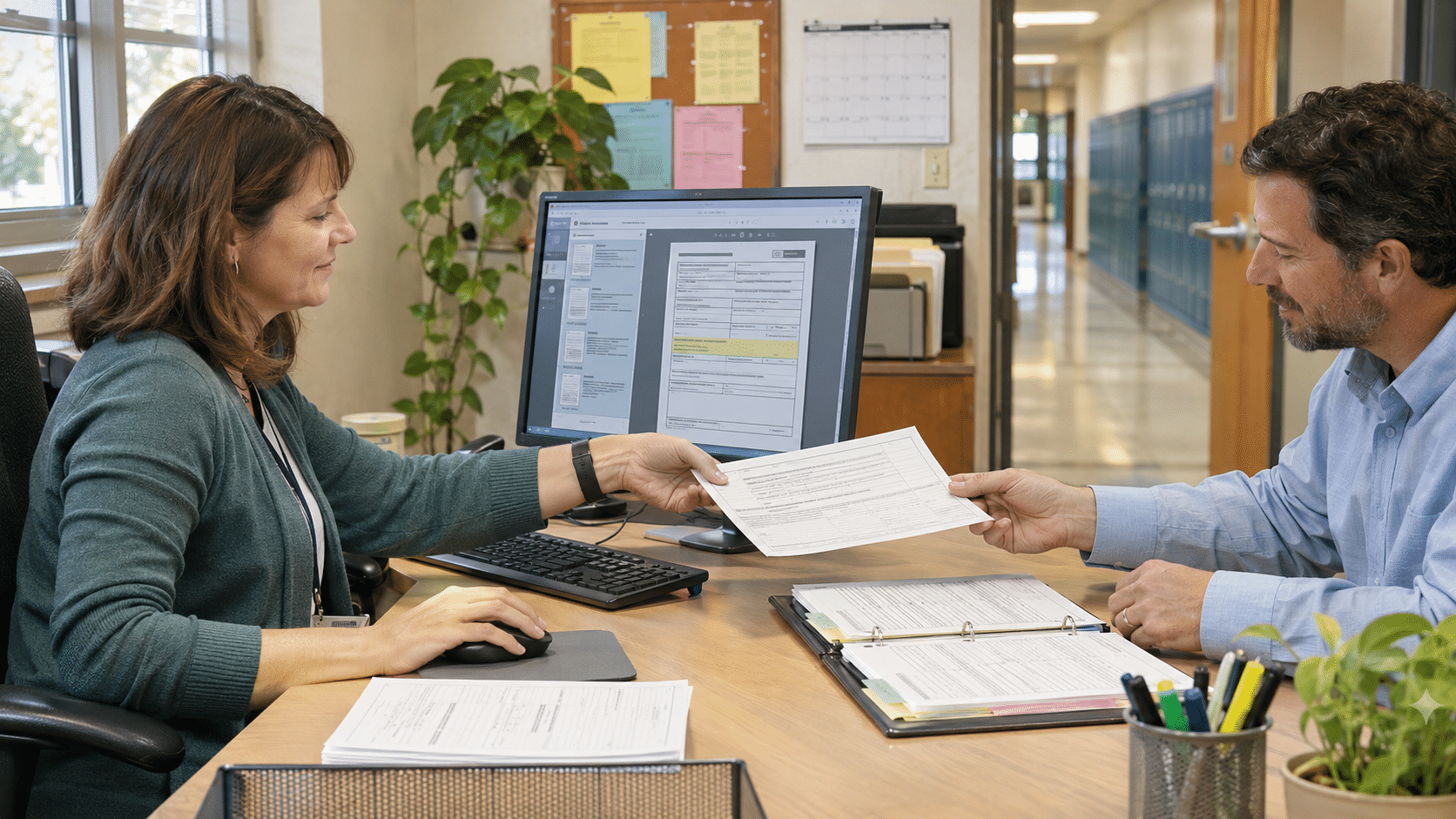
An incoming ninth-grader’s math schedule was waiting on an archived course-request form. A district records team tested education workflow automation: a clearer way to handle scanned documents without replacing the student information system.
Pilot Outcomes
| 19 → 6 minutes | ~4.5 → ~2.5 hours/week | Fewer repeat record searches |
|---|---|---|
| Median time to locate and verify a course-placement record; 28 comparable requests before and after. | Estimated time spent preparing and filing scanned forms across two records staff. | Counselors reported fewer follow-up searches for the same supporting forms (qualitative). |
A Ninth-Grade Course Schedule Was Waiting on One Signed Form
At 2:40 p.m. on a Tuesday in the summer scheduling window, a high-school counseling coordinator, was checking an incoming ninth-grader’s request to take Geometry. The student information system showed an Algebra I grade from the previous school year. The coordinator also needed the supporting course-selection form and the prior recommendation before she could complete the school’s placement review.
The middle school had scanned those forms in a mixed batch at the end of spring. Its shared-drive folder contained a 93-page PDF:
- MS_CourseForms_Batch07.pdf
The file had been organized by scanning date, not student identifier. The district records specialist, opened the PDF, checked the page thumbnails and scanned through similar-looking requests. A second employee searched a different middle-school folder for the placement recommendation. The counselor’s review stayed open while the records team checked that it had the correct student’s paperwork.
Finding and checking the supporting pages took 19 minutes. No course decision was made automatically; the time went into tracing the paperwork required for a human decision.
The Handoff Between Schools Made the Student Records Workflow Harder
The school’s SIS already did useful work. It held student enrollment details, grades and course schedules. But the school offices had developed a separate process for signed forms, teacher recommendations and scanned supporting documents. Some went into SIS attachments. Others ended up in shared-drive batches or email from the prior campus.
The records team knew how to find most forms when there was time to search. It was harder during the summer handoff, when counselors were reviewing many incoming students and needed specific supporting pages. A student ID might be visible on the printed form, yet absent from the PDF filename. Staff sometimes had to search a whole scan batch before they could even tell whether the needed page was there.
Two records employees estimated they spent about four and a half hours a week renaming, separating and filing course-request scans. They also answered repeat emails asking where a recommendation or signed form had gone. The cost was small on any single request, but it added up during the weeks when counselors were building fall schedules.
A New Placement Handoff Created a Reason for School Workflow Automation
The district had recently shifted some middle-to-high-school course-placement checks into a shared summer review process. That made the weak point visible: everyone could see the grade in the SIS, but the supporting document was difficult to retrieve consistently. The Records lead proposed a small pilot covering the forms most frequently requested for incoming ninth-graders.
The team wanted a searchable way to manage the supporting PDFs and a consistent naming pattern based on a verified student identifier. It also needed a way to keep forms from different students separate, as well as access rules that reflected school responsibilities. They did not want a replacement for the SIS or an automatic recommendation about which course a student should take.
Why the SIS Stayed in Place
The SIS remained the system for student records, grades and scheduling decisions. The school used Docupile for a narrower piece of automation in education: organizing the supporting PDFs staff were already receiving and scanning. The two systems had distinct jobs. No native SIS integration, automatic sync, transcript-generation feature or deficiency in a named SIS vendor is assumed.
The school still determined which staff could inspect education records, verified the requester’s role, and applied its own disclosure and record-retention policies. Docupile’s access settings were part of that workflow, not a substitute for those decisions.
The Six-Week Education Workflow Automation Pilot Started with One Document Type
In week one, the district records specialist and the middle-school registrar selected a sample of historical course-selection packets. They reviewed mixed batches, identified which pages belonged together, and agreed on a filing pattern using district identifier, school year and document type. Ambiguous pages and handwritten details stayed on a manual exception list rather than being routed on a guess.
In week two, the team brought the selected PDFs into a configured Docupile workspace. There, they tested split-and-sort rules, naming, metadata and OCR search on synthetic examples before applying the agreed process to the pilot documents. Records staff checked split boundaries, student identifiers and destination folders. The Coordinator used the new lookup route for a placement question before the end of that week.
From weeks three to six, the three participants used the process for comparable placement-record requests. They kept recording retrieval times and the manual steps that remained. Course placement, parent communication and the official student schedule still ran through the school’s existing process.
How Education Workflow Automation Changed the Document Work
Separate Mixed Scans
Previously, a 93-page batch meant opening the entire PDF and extracting the right pages by hand. Docupile’s AI Auto Split and Sort separates and categorizes multi-document PDFs. In the pilot workflow, staff used configured rules, then inspected the output before accepting it. With this education workflow automation step, the changed task was checking proposed boundaries instead of starting every split from scratch. Recognition of particular school forms, confidence and errors require a live demonstration.
Name and File the Supporting Forms
A file labeled MS_CourseForms_Batch07.pdf gave the counselor no searchable student reference. With validated identifiers and configured naming/folder rules, the team could organize a form under a structured name such as MRPS_2048_2026_CourseRequest.pdf. Staff still checked the student ID and the document type. AI naming was an aid to consistent filing, not an assertion that handwritten names or every field would be read correctly.
Search the Scanned Content
Instead of paging through whole bundles, the district records specialist could search available metadata fields or indexed printed text in student files using Docupile’s OCR and Smart Search. That made a verified student identifier, year and document type more useful. Faded scans, handwritten marks or missing fields still needed manual checking, especially when two students had similar names.
Limit Access According to the Work
Records employees could manage intake and filing, while an authorized counseling role could retrieve designated placement materials. The district defined the role matrix and checked access eligibility. The software’s role-based permissions supported the process; however, they did not establish FERPA compliance on their own.
What the Education Workflow Automation Pilot Suggested
To measure the change, the team compared 28 similar placement-record searches logged before the pilot with 28 in weeks three to six. The numbers below are restricted to two campuses and three participants.
| Measure | Before | After | Evidence approach |
|---|---|---|---|
| Median time to locate and verify a supporting form | 19 min | 6 min | Timed request log; 28 searches before and 28 after |
| Weekly prep and filing time, two records staff | ~4.5 hr | ~2.5 hr | Weekly time diary; staff estimate |
| Counselor sends follow-up to find the same form | Common | Less common | Qualitative comment from pilot participants; not quantified |
With education workflow automation in place, the median search decreased by 13 minutes per request, about 68%. Estimated filing work fell by roughly two staff-hours weekly. Cleanup, naming decisions, permissions and staff practice all changed alongside the software, so this case study does not attribute every minute to Docupile alone.
The Payoff of Automation in Schools: Counselors Could Review the Right Document Sooner
The coordinator could use her scheduled course-review block to inspect the printed recommendation and signed course request rather than wait for a file-hunt response. She still assessed prerequisites, checked the student’s record and followed school placement rules. The improvement was practical: the supporting record was ready for review when the counselor needed it.
That matters to records teams because a document task rarely ends when a file is found. The next person still has a student or family question to answer, a schedule to review, or a record to verify. For automation in schools, reducing avoidable searching makes those follow-up tasks easier to complete.
“I still open the form and confirm the student ID. But I’m not paging through last spring’s scan batches just to find it.”
District Records Specialist
Could Your Records Team Test the Same Education Workflow Automation?
If a counselor has a student ID but cannot readily locate the signed course-selection form behind it, start your school workflow automation with that one document workflow. A personalized Docupile demo can use synthetic, non-sensitive student-record samples to show how education workflow automation might be configured for records management for schools. For example, it can cover splitting, naming, searchable metadata and permission settings, including the checks staff must still make.
See a sample ninth-grade placement-record workflow → Book a personalized Docupile demo
Prefer to discuss school-record processes first? Call (281) 942-4545.