A paralegal needed an executed change order for a mediation exhibit list. The file was buried in a mixed client scan, while other versions and supporting invoices lived in separate folders. A focused legal workflow automation pilot made the source record easier to locate and check.
Pilot Outcomes
| 18 → 7 minutes | ~5.5 → ~3 hours/week | Clearer exhibit-source checks |
|---|---|---|
| Median time to locate and check an underlying source document; 30 comparable requests before and after. | Estimated weekly scan preparation and filing work by three pilot paralegals. | Pilot staff could trace a change order back to its client scan and confirm the relevant signature page (qualitative). |
One Change Order Held Up a Mediation Exhibit List
At 3:50 p.m. on a Monday, senior litigation paralegal was preparing the source-document list for a construction-contract mediation. The attorney reviewing the draft mediation statement asked for the executed copy of Change Order 17 and the invoice that referred to it. The Paralegal needed the actual signed page before the document could be considered for use as an exhibit.
The client’s project manager had provided a 286-page scan of change orders, daily reports and invoices several months earlier. In the shared drive, it was still named:
- Project_Scans_Batch04.pdf
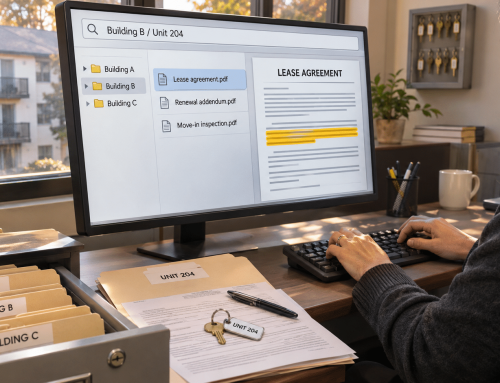
An email attachment contained a partial change-order scan; a separate project folder had an unsigned draft. The Paralegal searched the file names, opened the long PDF, navigated page thumbnails and checked the signature blocks. She then compared the date and amount against the invoice reference. A second paralegal helped locate the email attachment while the attorney continued reviewing the mediation statement.
The search and initial verification took 18 minutes. The correct document existed, but the team first had to separate it from the rest of the client’s scan and confirm what it was. Still, the attorney made the legal decision about the proposed exhibit.
A Routine Task Kept Interrupting the Litigation Workflow
A legal firm used practice management software for docket dates, matter details, time entries and task assignments. Its source documents arrived through a less consistent route: emailed contracts, scanned project records, document productions and PDFs supplied by clients. Staff saved some individual files under descriptive names. Others remained inside multi-document scans because staff had not yet needed a particular page.
For a paralegal assembling a mediation reference set, this created three recurring sources of work. A change order number could appear inside a PDF without appearing in its filename. Separately saved scans and drafts had to be checked to determine what was signed. And after locating a source, someone often needed to rename it, record the matter number and place it in the team’s working folder.
Three paralegals estimated that they spent about five and a half hours each week on scan separation, naming and filing during busy matter-preparation periods. However, none of that work replaced attorney review or evidence decisions. It simply made the supporting records harder to prepare for those decisions.
A Recurring Mediation-Prep Bottleneck Prompted a Controlled Law Firm Automation Pilot
The firm had two upcoming mediations involving large sets of contractor and vendor records. The Litigation support manager wanted paralegals to spend less time navigating long, mixed client scans. He selected a limited pilot rather than moving every historical matter or changing the practice management system.
The team defined its needs in operational terms. First, preserve the original client PDFs and separate usable working copies. Next, name documents consistently and find a referenced change order without paging through a large scan. Finally, give access only to the lawyers and staff assigned to the matter. Every signed or executed status would still be checked by a person.
Existing case-management and shared-drive tools remained useful for their assigned tasks. The missing step was a consistent intake-to-search process for mixed source documents, a narrow piece of law firm automation rather than a system replacement. No native integration or migration-free rollout is implied.
How the Six-Week Legal Workflow Automation Pilot Worked Alongside Existing Tools
Week 1: Select Records and Rules
The team chose scanned change orders, invoices and project correspondence from 10 matters. It documented matter-number and document-type fields, access permissions and an agreed filename pattern. The supervising attorney defined which materials could enter the pilot.
Week 2: Prepare a Controlled Sample
The paralegals retained original uploads, tested Docupile splitting and naming on permitted PDFs, checked page boundaries and the proposed filenames, and recorded verified matter metadata. Staff left documents that could not be clearly classified for manual review. Staff learned to search the resulting records.
Weeks 3 to 6: Use It on Working Requests
Paralegals used the same legal workflow automation process for incoming source documents, noting when a search began and when the requested page was opened and checked. The matter-management platform still handled deadlines, timekeeping and tasks. Lawyers still performed privilege checks, decided what evidence to use and approved any disclosure.
The pilot did not turn Docupile into a litigation review platform. It tested a narrower law office automation question: could the team identify and retrieve approved working copies of the underlying documents with less effort?
The Docupile Legal Workflow Automation Features Were Useful Because the Work Changed
Split Mixed Batches, Then Check the Pieces
Before: Staff navigated a 286-page scan to locate a short change order.
With Docupile: AI Auto Split & Sort could be configured to separate and organize document types into working files.
What changed: Staff reviewed proposed split boundaries and worked from shorter, identifiable files while retaining the original scan. Split accuracy and exceptions still required checking.
Name Files Using Verified Matter Details
Before: Source files carried scan dates or names such as Project_Scans_Batch04.pdf.
With Docupile: Auto File Naming and configured metadata supported a pattern such as M-2418_ChangeOrder-017_2026-03-14.pdf.
What changed: Staff checked the matter identifier, date and document type before filing. The label “executed” was not applied until a person confirmed the relevant signatures.
Search by What the Document Says
Before: Finding Change Order 17 depended on knowing which PDF held it.
With Docupile: Indexed text, keyword search and metadata supplied other ways to retrieve the candidate scan.
What changed: The Paralegal could search the document number, open the result and compare it with the original page and invoice. The team treated OCR recognition as a retrieval aid, not proof of authenticity.
Control Who Can Open the Working Files
Before: Broad shared-drive folders required staff to manage who could see a set of documents.
With Docupile: The team used role-based permissions for assigned matter staff.
What changed: Access could follow configured responsibilities. This did not replace confidentiality review, conflict screening or ethical-wall procedures.
Track Later Revisions Without Confusing Them with Evidence
For paralegal-created reference indexes and other controlled working documents, Docupile version control could retain revision history. It did not automatically reconcile independently uploaded draft contracts or decide which third-party copy was legally operative.
What the Legal Workflow Automation Pilot Results Show
The paralegals logged 30 comparable source-document lookups before the pilot and 30 during weeks three to six. Each timed request began when a lawyer or paralegal specified a document and ended when staff opened the candidate and checked key identifying details. Estimates for weekly filing effort came from staff work logs.
| Measure | Before | After | Evidence method |
|---|---|---|---|
| Median time to locate and check an identified source document | 18 min | 7 min | 30 timed requests before and 30 after; same start/stop definition. |
| Weekly scan preparation and filing time, three paralegals | ~5.5 hr | ~3 hr | Estimated combined time from staff work logs. |
| Find an original scan and signature page | Manual hunt | More direct | Qualitative workflow observation; no accuracy percentage. |
During the legal workflow automation pilot, the median lookup fell by 11 minutes per request (about 61%). The staff-time estimate suggests roughly two and a half hours less weekly preparation work. Better file selection, intake cleanup, a common naming scheme and staff practice all contributed to the change; this case study does not isolate software causality.
Time Saved by Law Office Automation Went into Checking the Exhibit References
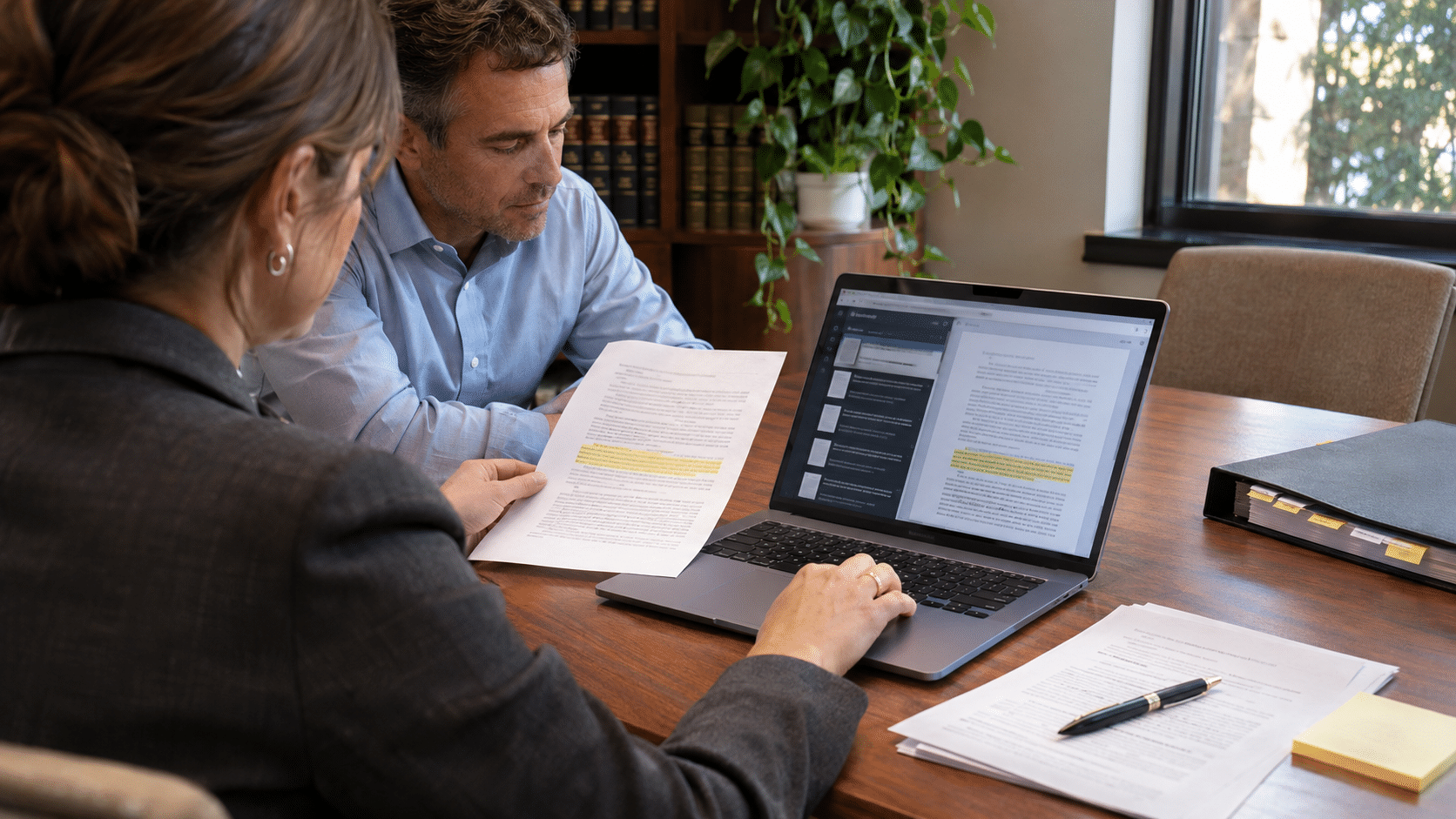
With working files easier to locate, the Paralegal spent more of the afternoon checking the change-order number, invoice reference and signature page against the attorney’s list. The team still reviewed the records before sending anything outside the firm. The value of this paralegal automation was specific: fewer interruptions during the source-document checks that precede an attorney’s mediation decisions.
“I can search the change-order number, open the scan, and check the signed page against the invoice. I still do the checking; I just don’t start by paging through the whole client batch.”
Senior Litigation Paralegal
Test Legal Workflow Automation on a Sample Mediation Document Set
Does your team receive a large client PDF and later need one signed change order or invoice inside it? If so, a personalized Docupile demo can walk through legal workflow automation using synthetic sample files, including splitting, naming, searching and access settings. Ask how exception handling and staff review would work with your own document types, and where workflow automation for law firms still depends on staff checks. Do not send confidential client or privileged materials through a marketing form.
See a sample contract-dispute document workflow → Book a personalized Docupile demo
Prefer to talk through your workflow first? Call +1 (281) 942-4545.