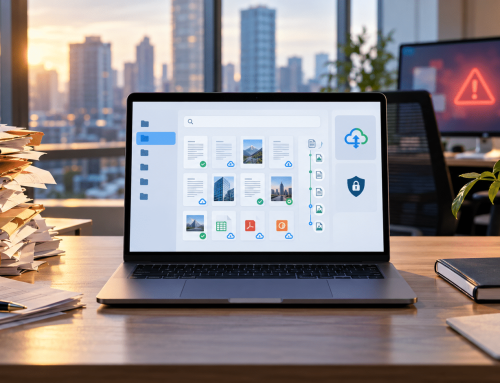

Ever struggled to find a critical contract before a deadline or spent too much time searching for a mislabeled invoice? Poor document organization can slow down work, create confusion, and make compliance harder.
An AI document organizer folder helps solve this by using OCR, metadata, and AI-based rules to tag, file, and retrieve documents more consistently. With Docupile, teams can reduce manual sorting, improve file structure, and manage business documents with less effort.
This blog explains how AI-powered document organization works, what problems it solves, and how Docupile helps businesses keep documents easier to find, manage, and control.
What Is an AI Document Organizer Folder?
An AI document organizer folder is a smart digital filing system that automatically categorizes, names, stores, and retrieves your files—without manual input. It learns from your workflows, adapts to your industry, and organizes documents based on their actual content.
Whether you’re in healthcare, finance, real estate, or HR, this tool eliminates time-wasting file chaos and helps your team focus on what truly matters—serving clients and scaling operations.
How AI Document Organization Helps Teams Manage Files Better
Pain Points Solved by AI-Document-Organizer-Folder
| Problem | What Happens | How Docupile Helps |
|---|---|---|
| Time spent searching | Teams open multiple folders or ask coworkers where files are saved. | AI-powered search, tags, and metadata make documents easier to locate. |
| Inconsistent file names | Different employees use different naming styles. | AI file naming can apply more consistent naming rules. |
| Misplaced documents | Files may get saved under the wrong client, project, or department. | AI classification can help sort files based on content and folder rules. |
| Poor visibility | Teams may not know who changed, moved, or accessed a file. | Audit logs and activity tracking support better control. |
| Compliance pressure | Missing or disorganized records make audits harder. | Structured filing, permissions, and retention rules can support compliance efforts. |
Real Industry Use Cases: Benefits & Impact
1. Finance
2. Healthcare
3. Real Estate
4. Manufacturing
5. HR
6. Accounting
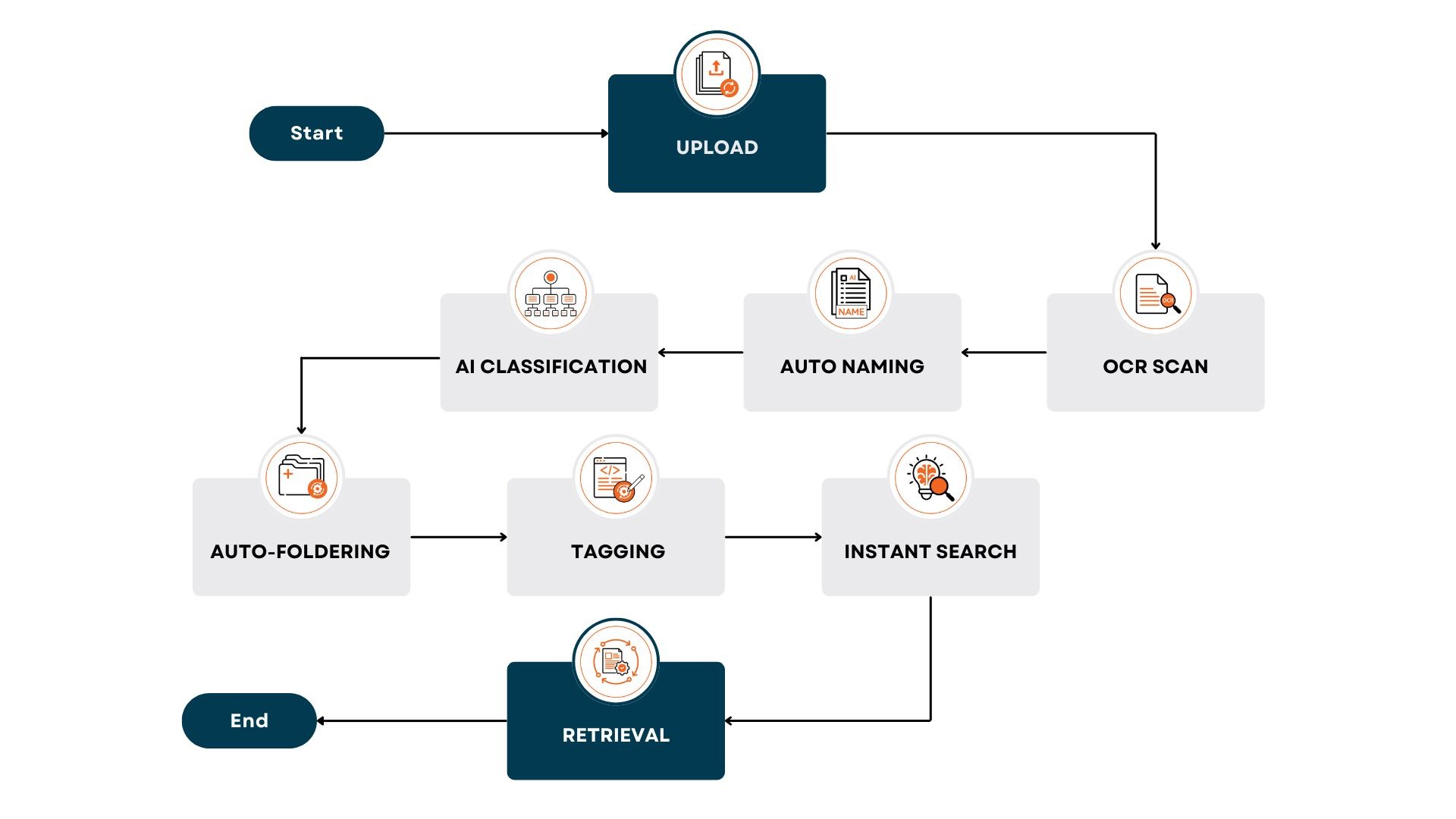
How It Works: From Chaos to Clarity?
Here’s how Docupile’s AI-powered file organizer works behind the scenes:
What Our Clients Are Saying?
Why Now Is the Time to Act?
Businesses generate 2.5 quintillion bytes of data daily. Every day you wait to automate document management is a day you lose productivity, accuracy, and peace of mind.
Did You Know?
According to a McKinsey report, teams spend 19% of their time—nearly a full workday each week—just searching for files. AI can reduce that by 70% or more.
You can’t scale or stay compliant with a broken filing system. And your competitors know it.
Act now—book your free demo and revolutionize your document management today!
Must-Have Features in an AI-Powered File Organizer
Want to make file organization easier?
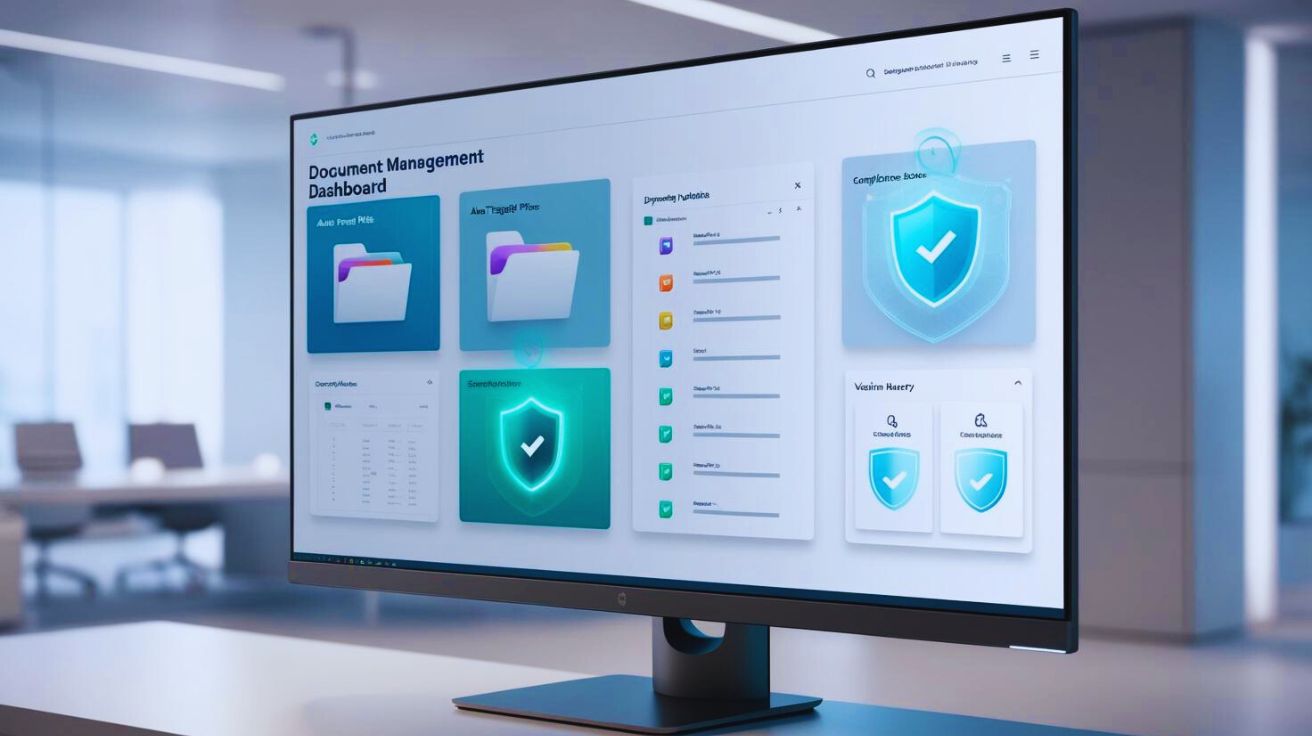
Docupile helps organize documents from the moment they enter your system, using AI-powered naming, tagging, folder creation, OCR, and search.
Docupile: The Ultimate Document Organizer
Docupile’s AI-powered document management solutions don’t just clean up your folders—they transform your workflow.
With features like the ai-document-organizer-folder, Docupile empowers businesses across industries to:
FAQ

Docupile is an AI document organizer folder uses AI, OCR, metadata, and folder rules to organize business documents in a more structured way. It can help classify files, apply tags, support consistent file naming, and place documents into the right folders. This reduces the need for manual sorting and makes files easier to manage.
There are several ways to arrange documents in a folder, depending on your preferences and needs. Some of the common methods are:
By date:
Arrange documents by the date they were created or modified. This can be useful for tracking the history of a project or keeping track of recent documents.
By type:
Arrange documents by their file type (e.g., Word documents, PDFs, images). This can help you quickly find specific types of files.
By project or topic:
Create subfolders within your main folder to organize documents by project or topic. This can make it easier to find related documents and keep your folder organized.
By client or customer:
If you work with clients or customers, you can organize documents by their name or company. This can help you keep track of documents related to each client or customer.
By alphabetical order:
Arrange documents alphabetically by their file name. This can be a simple way to organize your files, but it may not be as helpful if you need to find documents by content.
Using tags or labels:
Add tags or labels to your documents to categorize them by different criteria. This can be a flexible way to organize your files and make it easier to find documents that meet specific criteria.
Yes. Docupile supports automated folder creation based on rules such as document type, client name, department, project, category, or other business needs. This helps teams avoid creating folders manually every time a new file enters the system. It also keeps folder structures more consistent across departments.
Yes. Docupile’s AI Auto File Naming can help apply consistent naming formats based on document content, metadata, and business rules. For example, file names can include details like client name, document type, date, project name, or account number. This helps reduce random file names and makes documents easier to identify.
AI improves document retrieval by using more than just file names. It can use OCR, metadata, tags, folder structure, document content, dates, client names, and categories to make files easier to find. This helps users search with better context and reduces the time spent opening multiple folders or asking coworkers where files are stored.
Docupile supports secure document management with role-based access, user permissions, audit logs, and controlled sharing. These features help teams decide who can view, edit, share, or manage specific documents. This is especially useful for businesses that handle sensitive records such as HR files, financial documents, healthcare records, or compliance-related files.
Take Control of Your Document Chaos — Today
Trusted by small businesses and enterprise teams alike. Built for security. Backed by automation. Don’t let disorganized files derail your business.
With a Docupile AI-document-organizer-folder, you’ll stop wasting time and start moving faster, smarter, and more confidently.
Book a free demo and see how our AI document manager works in real time.
Make today the day you stop searching—and start scaling.