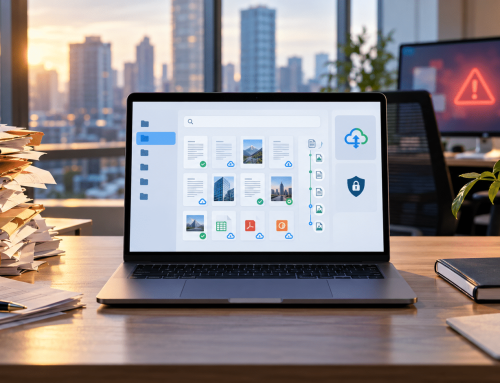
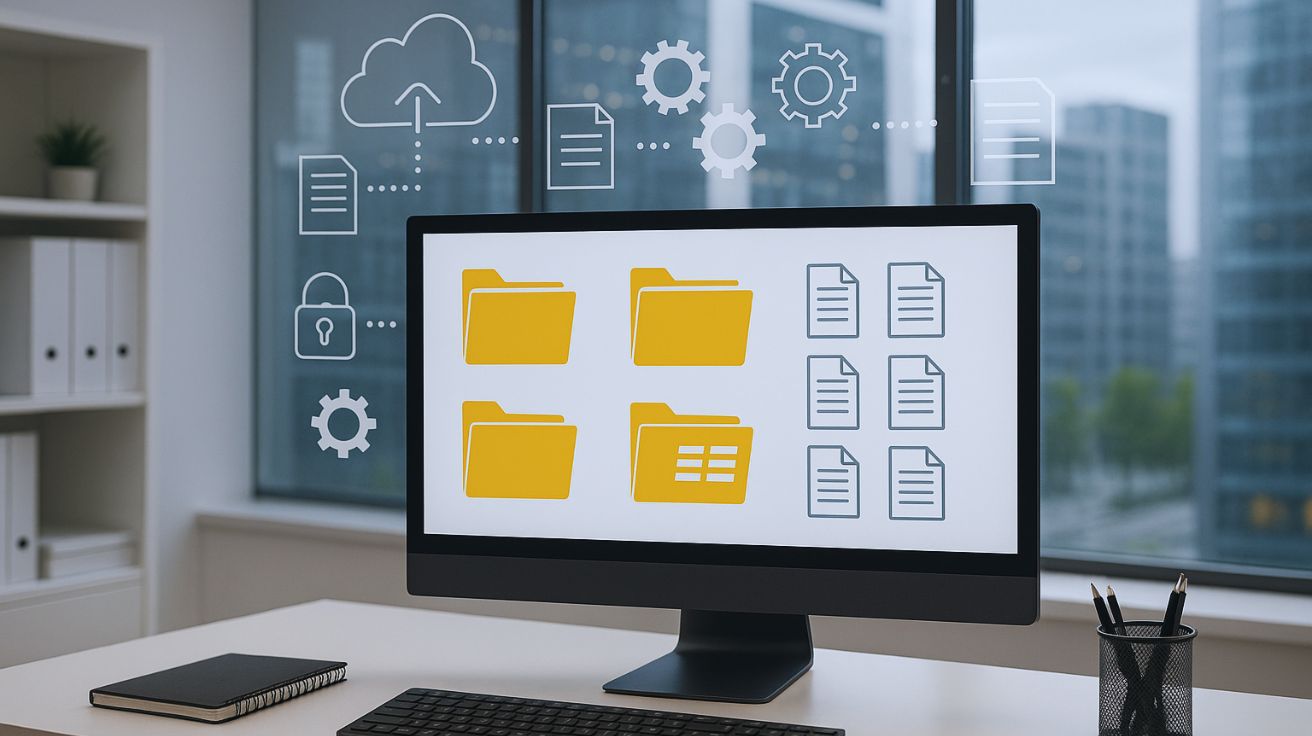
Document Control Software is for teams that are tired of guessing which file is correct, who approved it, and where the latest version is saved. Most businesses already have a place to store documents. That is not always the real problem. The bigger problem starts when those documents move through reviews, approvals, updates, access requests, downloads, email threads, and different folders.
For businesses that deal with policies, contracts, drawings, employee files, invoices, records, or compliance documents, storage alone is not enough. They need a structured way to control the full document lifecycle.
Docupile helps teams bring that control into one secure document management system by organizing documents, routing approvals, managing access, tracking activity, and making files easier to find when needed.
Ebook: Document Control Software
What Is Document Control Software?
Document control software is a system that helps businesses manage, control, and track important documents throughout their full lifecycle. This includes document creation, review, approval, version updates, secure access, storage, retrieval, audit history and document lifecycle management.
For example, when a company updates an HR policy, the file may need review from HR, approval from management, controlled access for employees, and a clear record of future changes. Without a proper system, older versions can still circulate.
A good document control system helps teams and professionals answer practical questions such as:
- Which version is the latest?
- Who reviewed or approved it?
- Who made changes?
- Who can access it?
- Where is the approved file stored?
Why Document Control Matters for Growing Businesses?

As businesses grow, documents move through more people, departments, approvals, and updates. Without proper control, teams may struggle to know which file is current, who approved it, who changed it, and who should have access.
Wrong Versions Create Confusion
When multiple copies of the same file exist in emails, downloads, or shared folders, teams may use an outdated version without realizing it. This can affect contracts, policies, drawings, SOPs, and project documents.
Approval History Gets Lost
Many teams still approve documents through email or chat. Over time, it becomes difficult to prove who reviewed, approved, or requested changes to a file.
Sensitive Files Need Controlled Access
Employee records, financial files, client documents, and compliance records should not be open to everyone. Document control helps limit access based on roles and responsibilities.
Audits Need Clear Document History
During audits or internal reviews, teams need to show document activity, version history, approvals, and access records. Without a controlled process, gathering this information becomes stressful and time-consuming.
A strong document control process helps businesses keep important documents accurate, traceable, secure, and easier to manage throughout their lifecycle.
Real-World Example: When Document Control Breaks Down
A 40-person company may handle hundreds of contracts, invoices, HR files, and approval records every month.
Without proper Document Control Software, one contract can quickly turn into multiple copies:
- Contract_Final
- Contract_Final_Updated
- Contract_Final_Approved_New
Now one employee sends an older version to a client while another waits for approval on the latest file.
This is where document version control software matters. It keeps the latest file, approval history, and activity record connected, so teams know which document to use and who approved it.
Document Management vs Document Control
Document management systems and document control are connected, and a growing business often needs both: one to organize files and the other to control how important documents move through review, approval, access, and updates.
| Area |
Document Management |
Document Control |
|---|---|---|
| Main purpose | Stores, organizes, and retrieves files | Controls versions, approvals, access, and document history |
| Best for | General file organization and search | Documents that need review, approval, or tracking |
| Common use | Folders, metadata, search, secure storage | Version control, approval workflows, audit trails, access rules |
| Main risk solved | File chaos and poor retrieval | Wrong versions, missed approvals, and weak accountability |
| Docupile’s role | Helps teams organize, find, and manage documents faster | Helps teams control document workflows with permissions, version history, approval routing, and activity tracking |
Who Needs Document Control Software?
Document control software is useful for teams that handle documents requiring review, approval, updates, restricted access, or audit history. It is especially helpful when email, shared folders, and manual tracking no longer give enough control.

Construction teams
Documents They Handle

Engineering Teams
Documents They Handle
Manufacturing & Quality Teams
Documents They Handle

HR & Admin Teams
Documents They Handle

Finance & Accounting Teams
Documents They Handle
Compliance & Operations Teams
Documents They Handle
Key Features to Look for in a Document Control System
A good document control system should help teams manage versions, approvals, access, search, and document history without depending on email or scattered folders.
Version Control
Helps teams identify the latest approved file and avoid outdated copies.
Approval Workflows
Helps route documents for review and approval.
Role-Based Access
Helps control who can view, edit, approve, download, or share documents.
Audit Trails
Audit trails helps track document activity, including changes, approvals, and access history.
Metadata and Search
Metadata indexing allows users to find documents by details like department, client, document type, date, project, or status.
Retention and Expiry Support
Document retention software helps teams manage documents that need renewal, review, archiving, or retention.
Key point: The right system should help your team control documents from creation to approval, retrieval, and review.
How Docupile Helps Control the Document Lifecycle?
From the moment a document enters Docupile, every step is controlled, tracked, and audit-ready.
With controlled access, version history, approval tracking, audit trails, secure storage, and retention support, Docupile also helps teams maintain compliance-ready document workflows for requirements connected to HIPAA, ISO 27001, SOC 2, GDPR, and internal quality standards.
Ready to Control Your Document Workflow?
If your team is still managing approvals, versions, access, and document history through email or shared folders, it may be time to move to a more controlled process.
Docupile helps businesses organize documents, manage access, track activity, route approvals, and retrieve the right files through a clear approval workflow when needed.
See how your team can control documents from upload to approval and retrieval.
Conclusion
Document Control Software gives growing businesses a better way to manage important documents beyond basic storage. When files need approval, version updates, restricted access, searchability, and audit history, email threads and shared folders are not enough.
With the right system, teams can keep documents organized, controlled, traceable, and easier to retrieve. Docupile supports this process by helping businesses auto-name files, organize folders, apply metadata, manage access, route approvals, track activity, and find the right document when needed.
Book a Docupile demo & see how your team can control documents from upload to approval and retrieval.