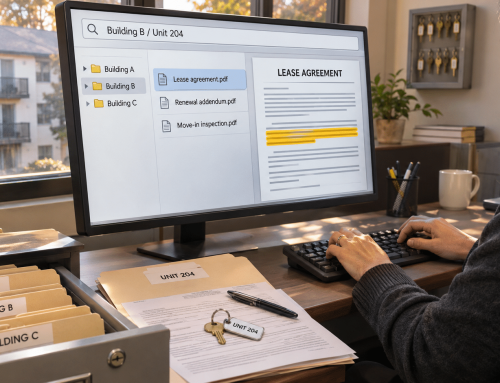
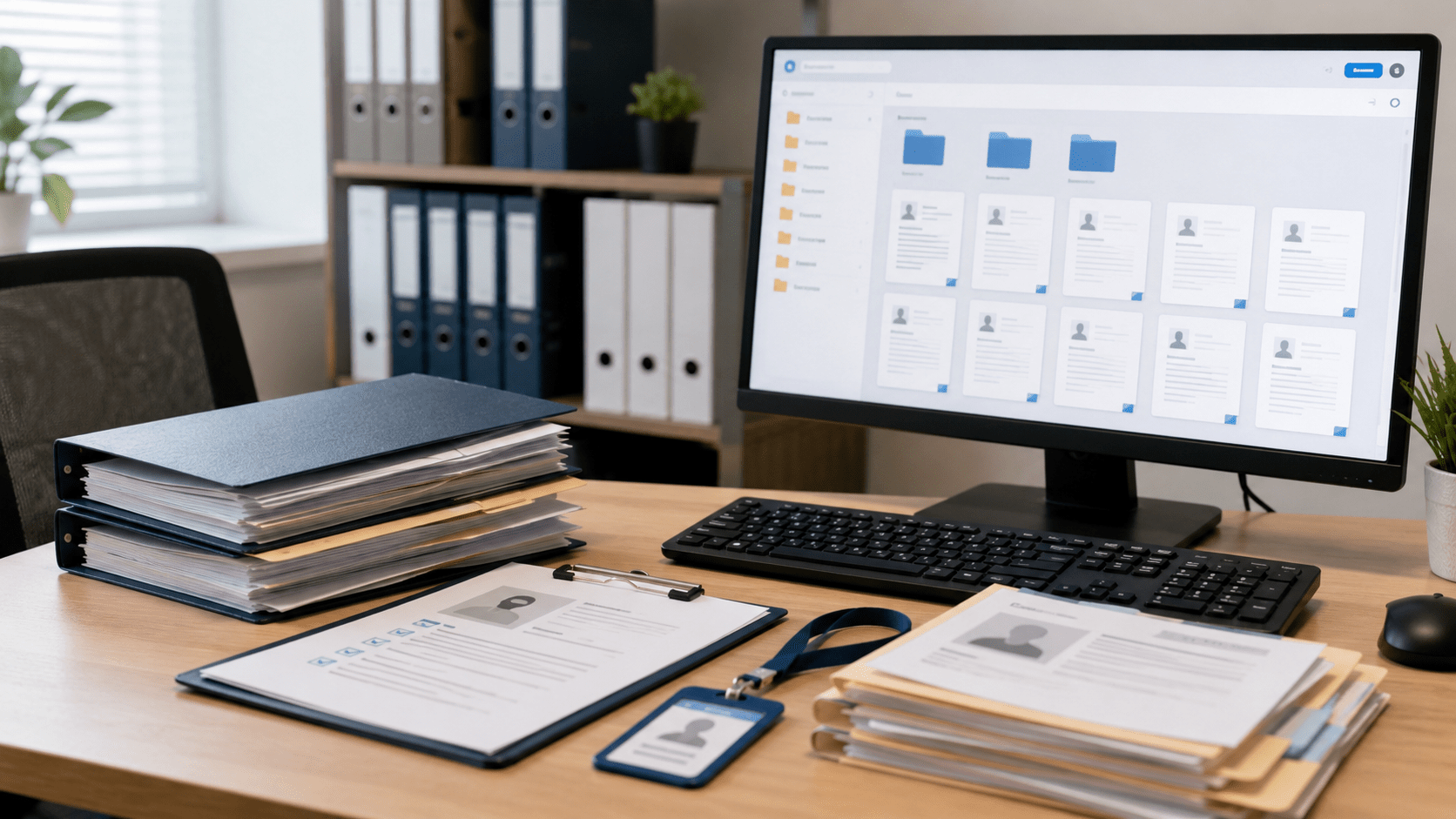
Organizing employee files starts with fixing a common HR problem: offer letters buried in email, Form I-9s mixed with personnel records, and confidential medical notes stored in the wrong folders. These filing mistakes make documents harder to find and can create compliance risks.
A consistent system solves this problem. This guide explains how to organize employee files in seven practical steps, from separating sensitive records to setting retention schedules and managing documents electronically.
Key Takeaways
How to Organize Employee Files in 7 Steps
Step 1: Separate Files Into Three Core Categories
The first step in organizing employee files is separating documents according to their purpose and confidentiality requirements.
Mixing medical records, employment agreements, and Form I-9s in one folder can expose sensitive information to people who should not access it.
Use these three categories:
1. Personnel Files
Store general employment records, including offer letters, employment agreements, job descriptions, performance evaluations, policy acknowledgments, disciplinary actions, and separation documents.
2. Confidential Medical Files
Store disability-related information, medical certifications, ADA accommodation documentation, and applicable fitness-for-duty records separately from personnel files.
Under 29 CFR 1630.14, covered medical information must be maintained confidentially and separately, with disclosures limited to legally permitted circumstances.
3. Form I-9 Files
Maintain employment eligibility verification forms separately from general personnel records as an organizational best practice. USCIS guidance supports separate storage to make inspections easier.
Payroll registers, Forms W-4, and employment tax records are generally managed through payroll or finance systems and follow their own retention requirements.
Step 2: Create One Folder Structure for All Employees
A consistent folder structure prevents documents from becoming scattered across desktops, shared drives, email attachments, and filing cabinets.
For example, a small business could organize its HR records as follows:
HR Records/
|
|-- Personnel/
|   |-- Active/
|   |   |-- EMP1042_Patel/
|   |-- Terminated/
|
|-- Medical-Confidential/
|   |-- EMP1042_Patel/
|
|-- Form-I-9/
    |-- Active/
    |-- Terminated/
Confidential Medical and Form I-9 folders should have restricted access.
Using employee IDs rather than relying entirely on names also helps HR teams distinguish employees with similar names.
Keep active and terminated records organized so retention deadlines can be reviewed without sorting through unrelated files.
A shared folder structure only works when everyone follows it. Document the rules and make them part of your onboarding process for new HR staff.
Step 3: Establish a Consistent Naming Convention
Even well-organized folders become difficult to use when files have inconsistent names.
Names such as OfferLetter_Final_New.pdf provide little information about the employee, document date, or version.
Instead, adopt a standardized format:
YYYY-MM-DD_EmployeeID_DocumentType_v#
Examples:
Each filename should identify the document date, employee, record type, and version.
Use the same naming rules across departments and avoid placing Social Security numbers, medical diagnoses, or other unnecessary sensitive information in filenames.
Consistent naming makes records easier to sort and reduces confusion when multiple versions exist.
Step 4: Decide Who Can Access Each File
Not everyone who works with employee records needs access to every document.
HR teams should apply access permissions based on responsibilities and the sensitivity of the information.
For example:
Access controls should also be reviewed when employees change roles or leave the organization.
Where possible, maintain access logs showing who opened, edited, downloaded, or shared sensitive documents and when.
These records help investigate unauthorized access and support internal reviews.
Not sure who currently has access to your company’s sensitive documents? Use Docupile’s Who Can Access Our Files? Audit Sheet to guide your next access review.
Step 5: Scan and Digitize Old Paper Files
Paper records can take longer to retrieve, especially when an HR team manages employees across multiple locations.
Begin digitization by sorting existing documents into the three established categories.
Scan files at a readable resolution, commonly 300 DPI, and use optical character recognition (OCR) where appropriate to make scanned text searchable.
Before completing the migration:
For missing or inaccurate Form I-9 information, follow USCIS correction guidance. Never backdate corrections.
Keep original documents securely during the transition. Before destroying paper originals, confirm that electronic retention is permitted and that the storage system meets applicable requirements, including those for electronic Forms I-9.
Step 6: Review and Purge on a Set Schedule
Employee records need ongoing maintenance, not just an initial filing project.
Set an annual or semiannual review schedule and assign responsibility to an HR coordinator, office manager, or records administrator.
During each review:
- Check a sample of active employee files for completeness.
- Identify missing documents or outdated information.
- Review terminated employee records against applicable retention deadlines.
- Check for legal holds, investigations, or other reasons records must remain available.
- Approve records for secure disposal only when all retention obligations have ended.
Paper records can be securely shredded, while electronic records require appropriate deletion methods.
The FTC Disposal Rule also requires reasonable disposal measures for covered consumer-report information, including certain employment background-check reports.
Record what was destroyed, when, and under whose authorization.
Federal, state, and industry requirements vary. Confirm retention and disposal decisions with a qualified HR compliance advisor or employment attorney.
Step 7: Use Technology to Streamline the Work
Manual filing works when the document volume is small, but maintaining consistency becomes harder as records accumulate.
Document management software can reduce repetitive administrative tasks through:
HR teams should review automated classification results, particularly for confidential medical and employment verification records.
Technology can simplify organizing employee files electronically, but accurate filing rules and responsible access management remain essential.
Employee File Checklist: What Goes in a Personnel File?
An employee file checklist helps HR teams confirm that important records are present, organized, and maintained in the appropriate location.
The following is a general reference, not a list of documents legally required for every employer.
Essential Personnel Documents
Confidential Medical Records — Store Separately
Maintain these records separately with confidentiality safeguards required by applicable law.
Form I-9 Records — Store Separately
Document copying is not universally required. Follow applicable USCIS rules and maintain copies consistently.
Additional Records, When Applicable
Payroll and tax withholding records, including Forms W-4, should be maintained through the appropriate payroll or finance recordkeeping process.
How Long Should You Keep Employee Records?
Employee record retention depends on document type, employer coverage, and applicable federal or state regulations.
The following provides general US federal recordkeeping guidance and is not legal advice. Confirm applicable requirements before deleting records.
| Record Type | General Federal Retention Requirement |
|---|---|
| Form I-9 | Three years after hire or one year after employment ends, whichever is later |
| Personnel and employment records | Generally one year from record creation or personnel action, whichever is later, for covered private employers |
| FLSA payroll records | At least three years |
| Wage computation records | At least two years |
| Employment tax records | At least four years after the tax becomes due or is paid, whichever is later |
| FMLA records | Generally at least three years for covered employers |
| Certain OSHA medical records | Employment duration plus 30 years, subject to exceptions |
Important Retention Considerations
Personnel records: The EEOC generally requires covered private employers to retain personnel records for one year. Involuntary termination has a separate one-year-from-termination rule. Relevant records must remain available until final disposition when a covered discrimination charge or action is pending.
Form I-9: Employers must retain I-9 records for the required period and make them available for inspection as required by USCIS. Inspection requests generally provide at least three business days’ notice.
Payroll and tax records: DOL Fact Sheet #21 explains FLSA payroll and wage calculation retention. The IRS provides employment tax retention guidance.
Medical records: There is no single retention period for every confidential medical file. Covered FMLA records generally require at least three years, while certain OSHA medical records require longer retention.
Some states also give employees rights to inspect or obtain copies of their personnel records. State laws, federal contractor rules, and industry-specific requirements may impose additional obligations.
For a practical approach to reviewing sensitive records, see Docupile’s Sensitive Document Retention Review.
How Docupile Helps Organize Employee Files
Organizing employee files becomes easier when HR teams can apply consistent document rules without manually renaming and sorting every file.
Docupile is an AI-powered document management system that helps businesses organize, search, and control employee records.
Its document management capabilities include:
HR teams can organize personnel, confidential medical, and Form I-9 records using appropriate folder and access policies, while reviewing AI-generated classification before filing sensitive documents.
For a practical example, read how Merriton Workforce Services organized its HR records using Docupile.
Docupile supports document organization and governance; employers remain responsible for legal compliance, retention decisions, and access policies.
Conclusion
Organizing employee files requires a consistent system for separating records, naming documents, controlling access, digitizing paperwork, and following retention schedules. These seven steps help HR teams reduce filing errors, improve document retrieval, and maintain greater control over sensitive information.
Once the structure is established, document management technology can reduce repetitive filing work and help teams maintain it as their business grows.
Want to see how Docupile can help organize and name your employee documents? Book a 15-minute demo.